
- System:OS X EI Capitan
- Resolution:1440x900
Method1:Sketching just by mouse.
1.Open “ File->New”,create a new image like below,
PS: ”300 ppi” can show more detail than the default ppi(72ppi).
2.Create a transparency layer to sketch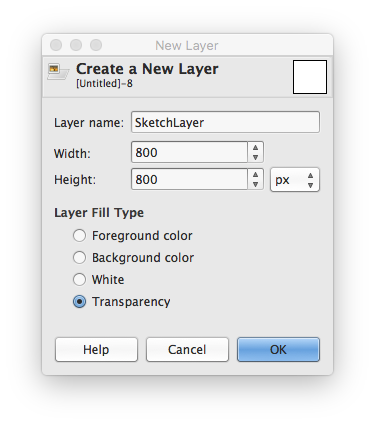
3.Set the “Paintbrush”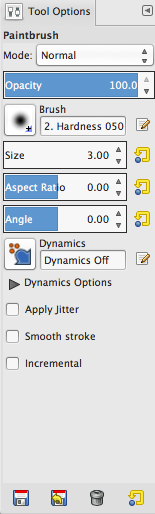
4.Begin to sketch the prototype,but it looks bad.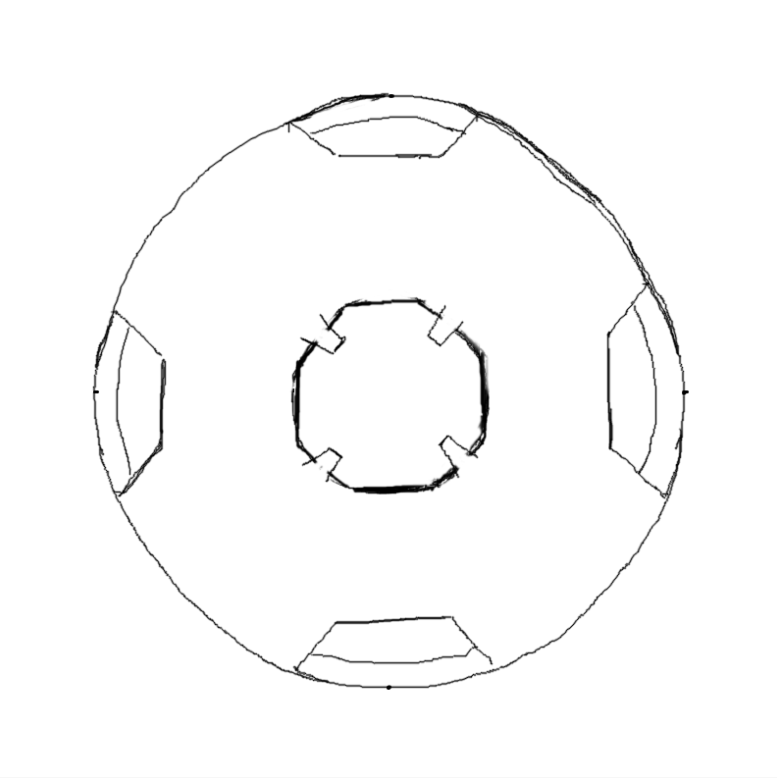
Method2: Sketching by tools.
1.Open your origin sketch as a background layer.
Open “File->Opens as Layer…”
You can use your freehand sketch or mouse sketch(the above image),I use my freehand sketch this time.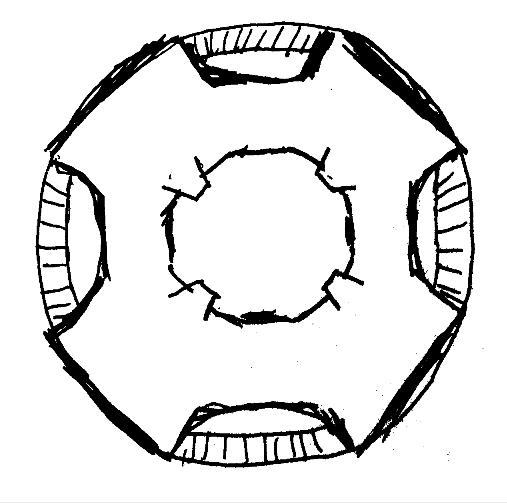
2.Create a transparency layer to sketch.
3.Set the “Background” Layer’s opacity lower.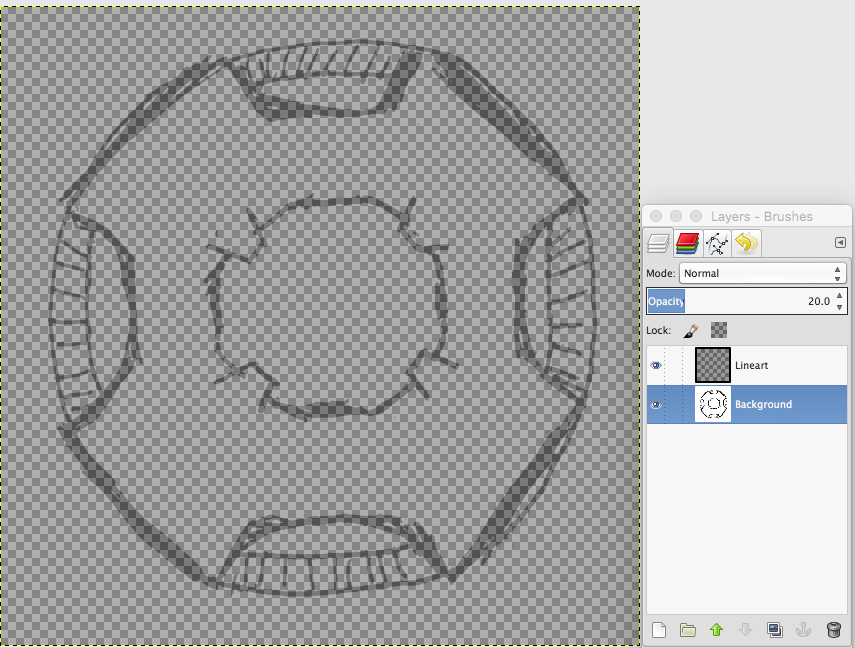
4.Now,It looks darkness,we should create a new white background.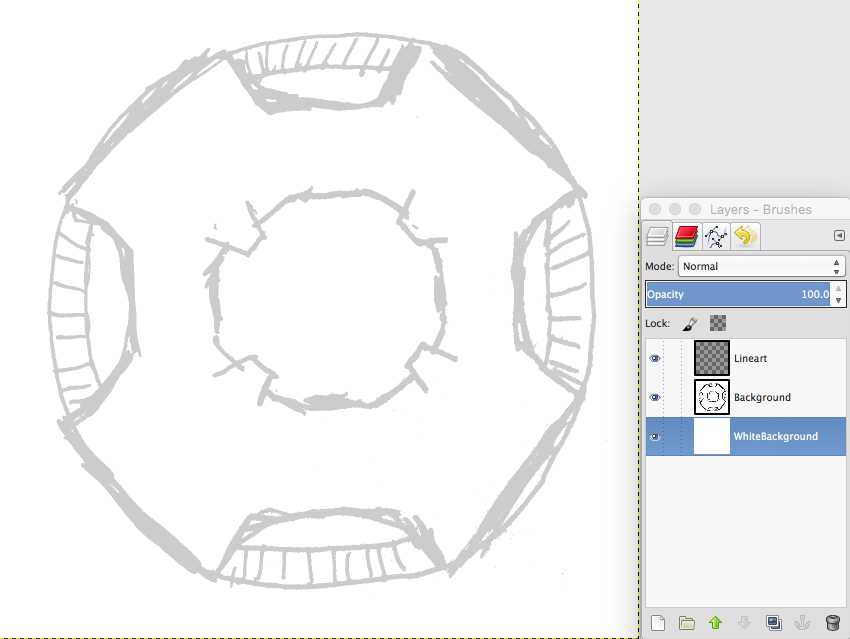
5.Open “Ink Tool” and set parameter.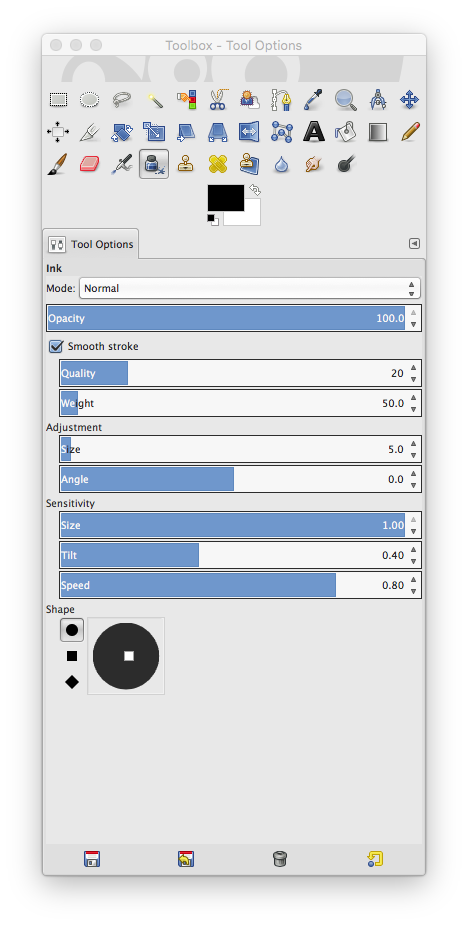
6.Ink the “Linear” Layer and remove “Background” Layer after that.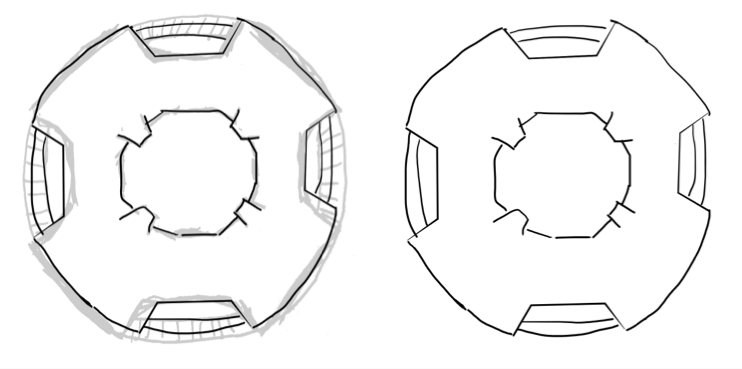
Method3:Use “Paths Tool”
1.Open “ File->New”,create a new image like below,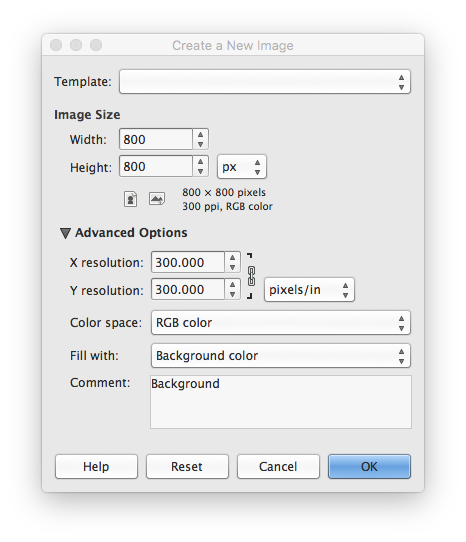
2.Create a transparency layer to sketch.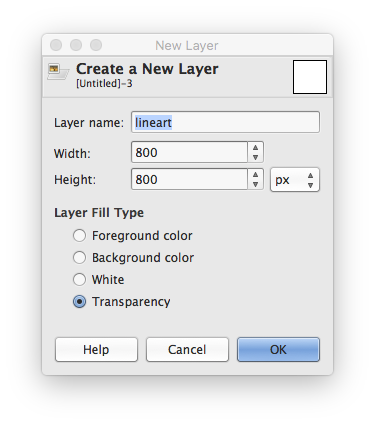
3.Use “Paths Tool” ,”Bucket Fill Tool” and “Blend Tool”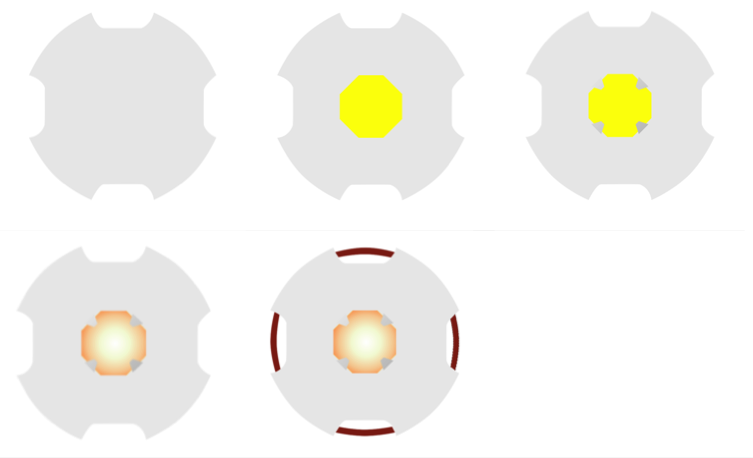

This work is licensed under a Creative Commons Attribution 4.0 International License.