Exercise 5. 3D Printing
Labwork: 3D Printing Whistle
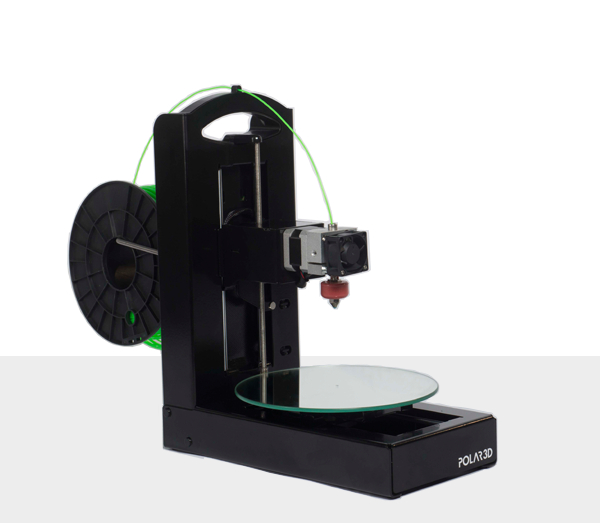
I used Polar 3d Printer to 3D print a whistle.
Homework
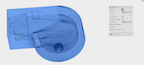
I now have a whistle stl file created with a Fusion 360.
 --
--
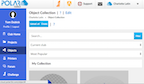
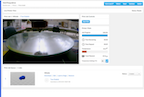
I logged into the Polar Cloud and selected my club where I store objects on the cloud in Polar 3D.

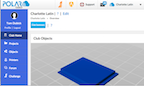
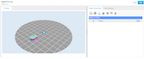
I uploaded the whistle file in Polar 3D into my club.
 --
--
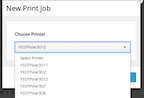
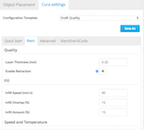
I selected a 3d printer (#12) and I set the cura settings to the basic settings which layer thickness (0.32), infill speed (40 mm/s), infill overlap(15 percent) and infill anount (15 percent).
 --
--
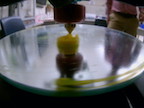
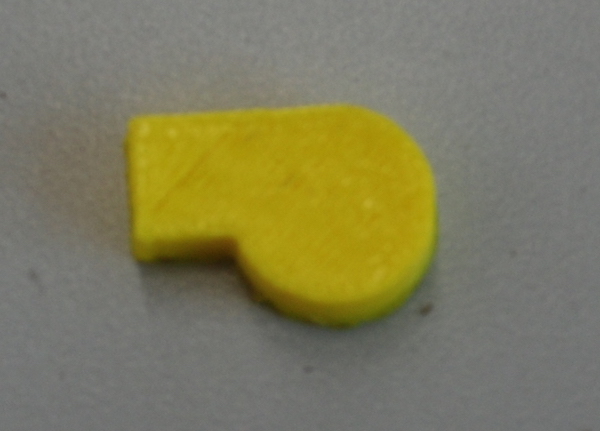
I preheated the printer and started print. The print went well and I ended up with a whistle
 --
--