Networking and Communications
For Sarah and I’s group networking and communications assignment, we used both of our Arduino Uno Clones (Satshakit) to act as a master write to slave read connection through serial data line (SDA) and serial clock line (SCL) of both micro-processors. Here are the I/O’s board trace and completed circuit of the Satshakit Clone:
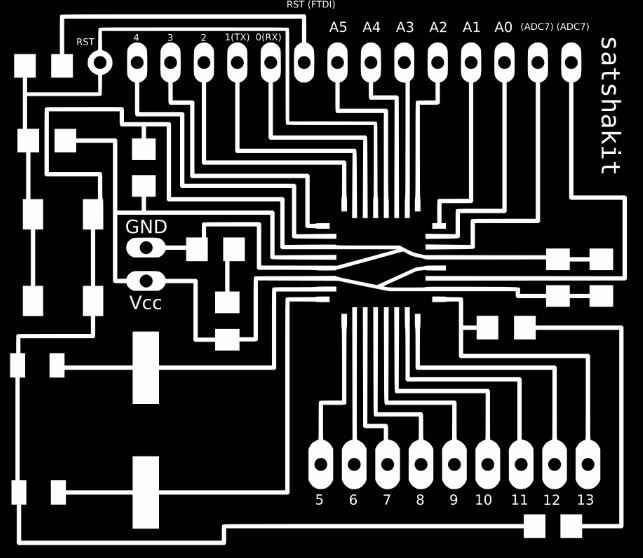
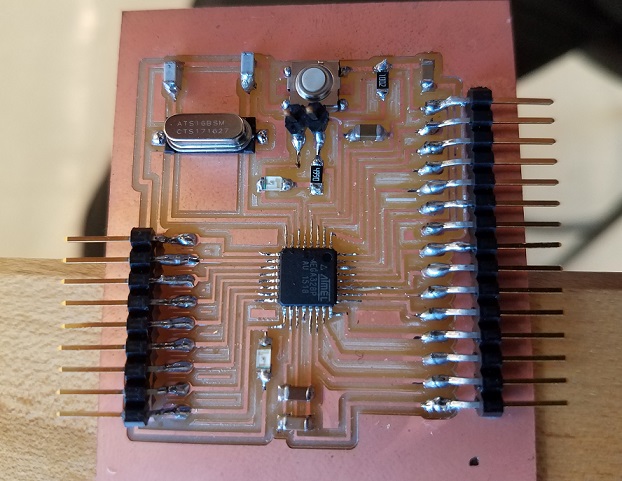
The purpose for this program was to demonstrate a network communication as the master sends a signal to the slave, and the slave interprets the signal and performs an operation which in this case, we decided to use device that was part of an earlier assignment. The original assignment was to read temperature but we only used the different colored LEDs for multiple outputs. See “Input Devices” assignment here: Input Devices
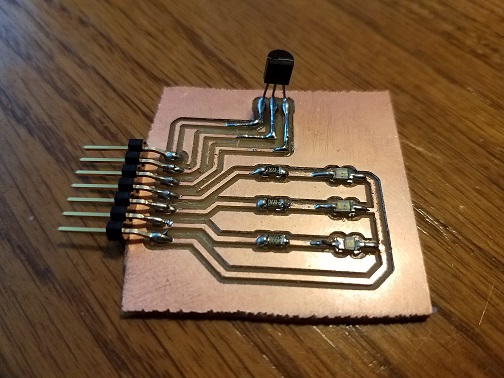
Connecting Master-To-Slave Arduinos & Slave-To-LED Device:
Since all of the pinheaders/connectors we had are male, and that our lab had little-to-no female connectors, we needed to use an excess amount of wires, a breadboard, and a lot of our imagination to properly connect it all together, shown below:
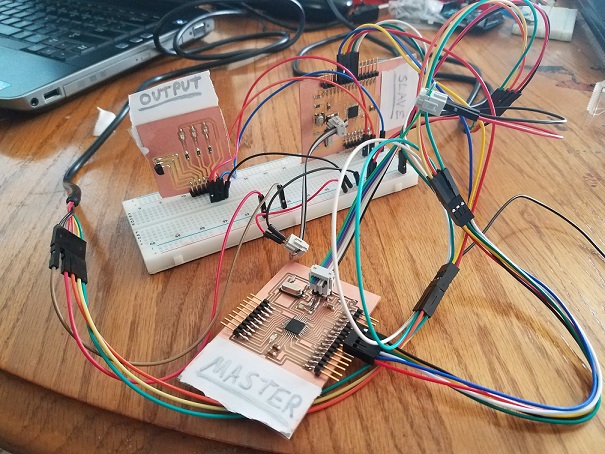
The connections you see in the picture are:
2 separate FDTI Cables for operating Arduinos (One Connected to MASTER, the Other to SLAVE)
The Breadboard which has two major functions:
- Creating a widely accessible Power/Ground hookup for the unversal power needed for multiple boards
- Plugging in the male headers on the boards themselves, in order to use male jumpers instead of females.
The header pins for the 3 separate LED outputs are hooked up to 3 separate I/O’s on the SLAVE Arduino.
Below shows the programs we used for both master and slave micro-processors. The program is for the following commands in the Arduino serial monitor:
Type R to turn on the RED LED
Type O to turn on the ORANGE LED
Type B to turn on the BLUE LED
Type A to turn on ALL three LED’s
Type N to turn on NONE of the LED’s
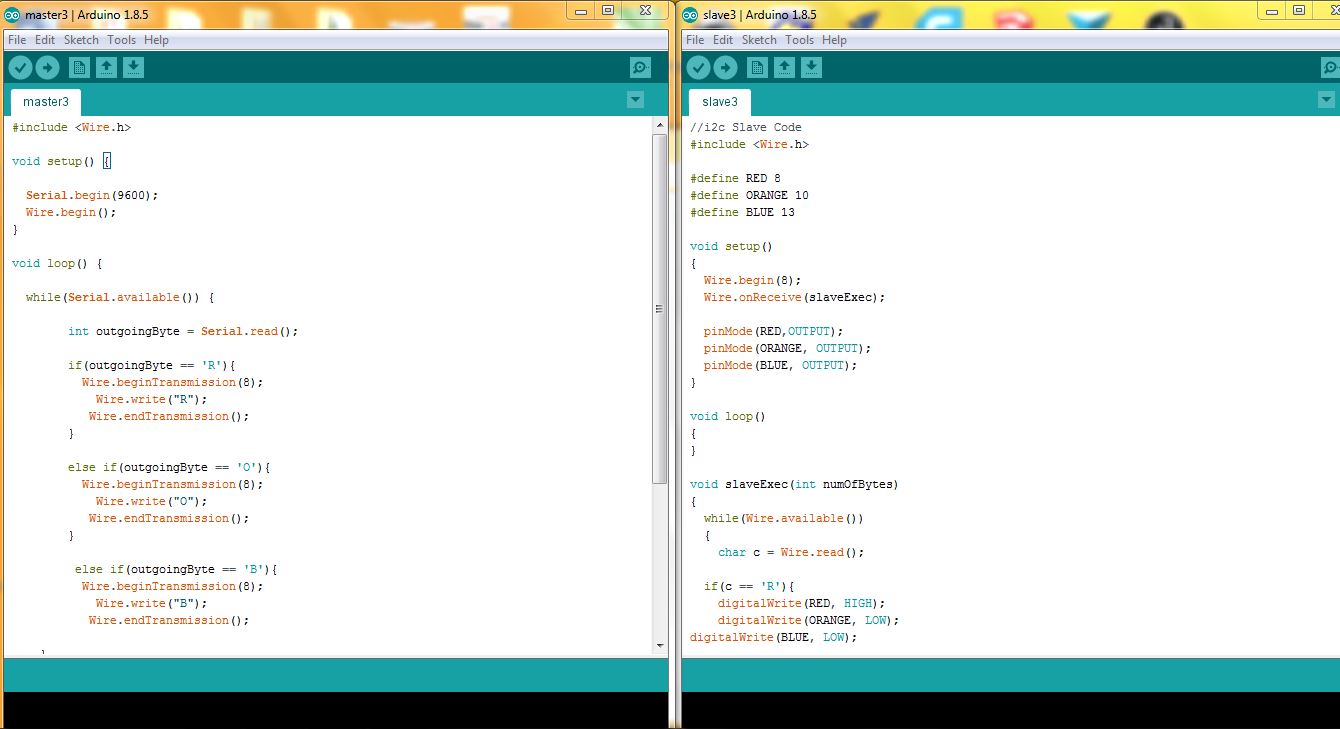
Master Arduino Program:
1
2
3
4
5
6
7
8
9
10
11
12
13
14
15
16
17
18
19
20
21
22
23
24
25
26
27
28
29
30
31
32
33
34
35
36
37
38
39
40
41
42
43
44
45
#include <Wire.h>
void setup() {
Serial.begin(9600);
Wire.begin();
}
void loop() {
while(Serial.available()) {
int outgoingByte = Serial.read();
if(outgoingByte == 'R'){
Wire.beginTransmission(8);
Wire.write("R");
Wire.endTransmission();
}
else if(outgoingByte == 'O'){
Wire.beginTransmission(8);
Wire.write("O");
Wire.endTransmission();
}
else if(outgoingByte == 'B'){
Wire.beginTransmission(8);
Wire.write("B");
Wire.endTransmission();
}
else if(outgoingByte == 'A'){
Wire.beginTransmission(8);
Wire.write("A");
Wire.endTransmission();
}
else if(outgoingByte == 'N'){
Wire.beginTransmission(8);
Wire.write("N");
Wire.endTransmission();
}
}
}
Slave Arduino Program:
1
2
3
4
5
6
7
8
9
10
11
12
13
14
15
16
17
18
19
20
21
22
23
24
25
26
27
28
29
30
31
32
33
34
35
36
37
38
39
40
41
42
43
44
45
46
47
48
49
50
51
52
53
54
55
56
57
58
59
60
61
//i2c Slave Code
#include <Wire.h>
#define RED 8
#define ORANGE 10
#define BLUE 13
void setup()
{
Wire.begin(8);
Wire.onReceive(slaveExec);
pinMode(RED,OUTPUT);
pinMode(ORANGE, OUTPUT);
pinMode(BLUE, OUTPUT);
}
void loop()
{
}
void slaveExec(int numOfBytes)
{
while(Wire.available())
{
char c = Wire.read();
if(c == 'R'){
digitalWrite(RED, HIGH);
digitalWrite(ORANGE, LOW);
digitalWrite(BLUE, LOW);
}
else if(c=='O'){
digitalWrite(RED, LOW);
digitalWrite(ORANGE, HIGH);
digitalWrite(BLUE, LOW);
}
else if(c=='B'){
digitalWrite(BLUE, HIGH);
digitalWrite(RED, LOW);
digitalWrite(ORANGE, LOW);
}
else if(c=='A'){
digitalWrite(BLUE, HIGH);
digitalWrite(RED, HIGH);
digitalWrite(ORANGE, HIGH);
}
else if(c=='N'){
digitalWrite(BLUE, LOW);
digitalWrite(RED, LOW);
digitalWrite(ORANGE, LOW);
}
}
}