Interface and Application Programming
1°
Processing
For the Networking and Communication assignment I choose to explore Processing. As I was working for my final project on a 12 keys keyboard I thought to interface the keyboard with Processing to generate graphic effects while playing something.
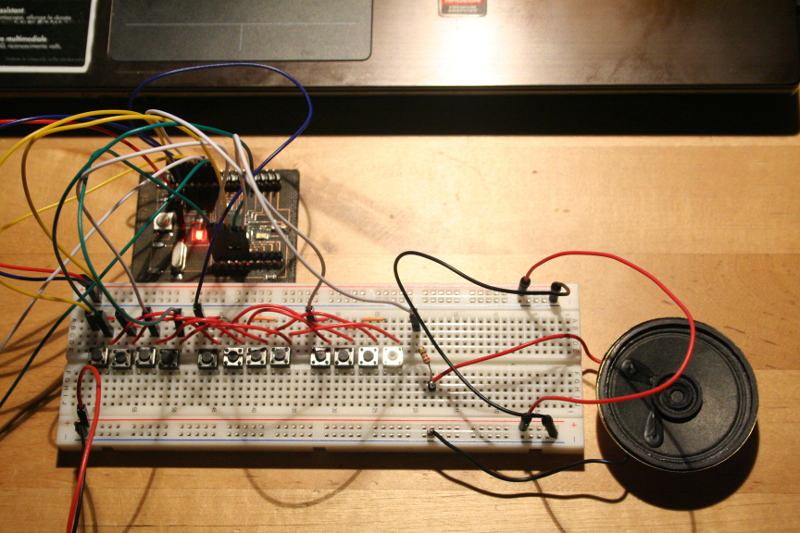
As board I used a Satshakit. The keyboard is made using a breadboard to wich I connected a speaker.
The code for the microcontroller is aimed to handle the keyboard wich is made by a matrix crossing the colums and three rows. The code includes a file with al the pitches between C4 and B5. The notes are forming a C Major scale.
2°
Communication
This assignment as been interesting mainly for two aspects. The first one is that I found an example of communication. After importing in Processing the Serial library the microcontroller and Processing are communicating throuhgh a serial communication.
The second interesting aspect has been to learn something about Processing. I found out it is an Object Oriented Programming language
. This is why at the beginning of the code we have to create an object from Serial class
. And of course it's been interesting to learn the basic of drawing shapes.
	import processing.serial.*;

Serial myPort;  // Create object from Serial class
int val=1;      // Data received from the serial port

color off = color(4, 79, 111);
color on = color(0, 255, 0);


void setup()
{
background (off);
stroke (255,0,0);
  size (500,100);
myPort=new Serial(this, Serial.list()[0],9600);
//println (Serial.list());
}

void draw(){
  int [] values = {0,0,0,0,0,0,0,0,0,0,0,0,0};

  if (myPort.available()>0) {
  val=myPort.read();
  println (val);
  }


if (values[val] == 0){
values [val-1]= 1;
}
else {
values [val] = 0;
}

 for (int i = 0; i <= 11; i++) {
   if (values[i] != 0)
     fill (on);
   else
     fill (off);

     rect (100+i*30,30,30,30);
 }


}
1°
Examples
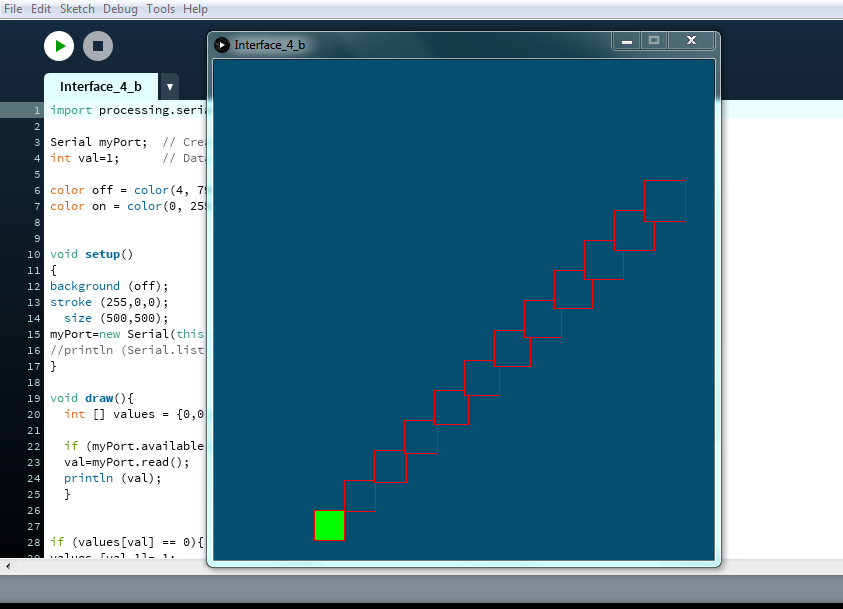
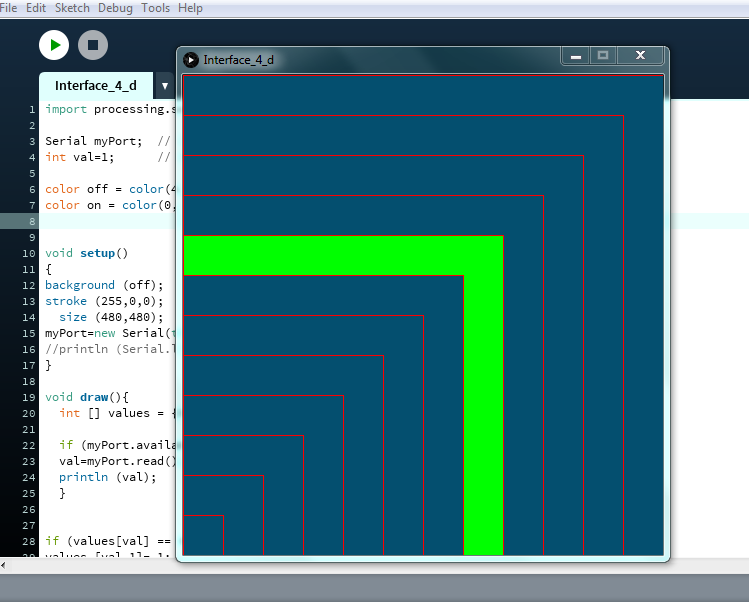
I used the same code for the microcontroller and experimented some variations in drawing shapes.
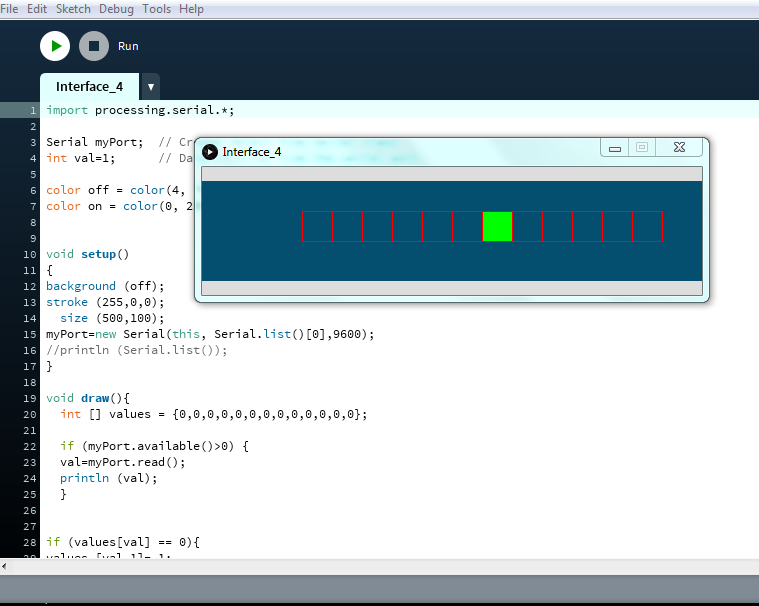
As first example I just made a row made by twelve squares filling with green in relationship with the note beeing played.