Exercise 5. 3D Printing


Labwork: Fusion 360


I used Fusion 360 to 3D print a whistle.


Homework


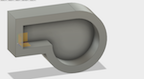
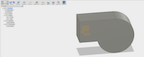
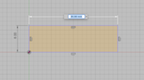
I decided to use Fusion 360 to create a whistle stl file. I started by creating a rectangle and circle to form a basic whistle.
Inkscape Parametric Design Inkscape Parametric Design Inkscape Parametric Design Inkscape Parametric Design


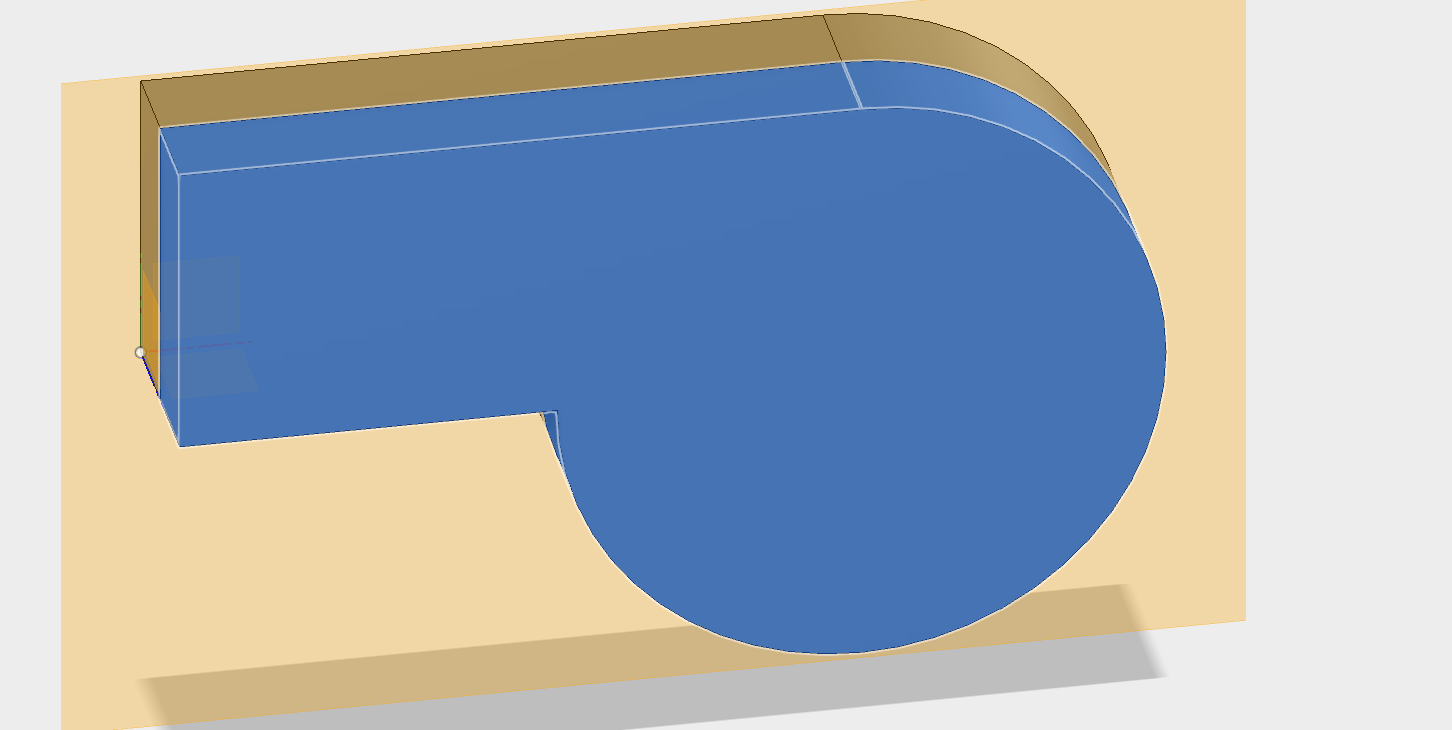
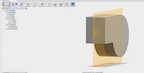
I then extruded the the whistle shape to 8 mm.


Inkscape Parametric Design Inkscape Parametric Design Fusion 360 Whistle Fusion 360 Whistle


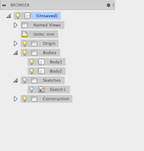
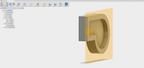
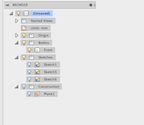
I then created a midplane. I used it to divide the whistle body in half. However, I now had two solid bodies, when I needed one hollow body. I discovered the shell command to hollow out the whistle. I confirm the dimensions of the whitlse using the Measure command.

Fusion 360 Whistle Fusion 360 Whistle


Fusion 360 Whistle Fusion 360 Whistle


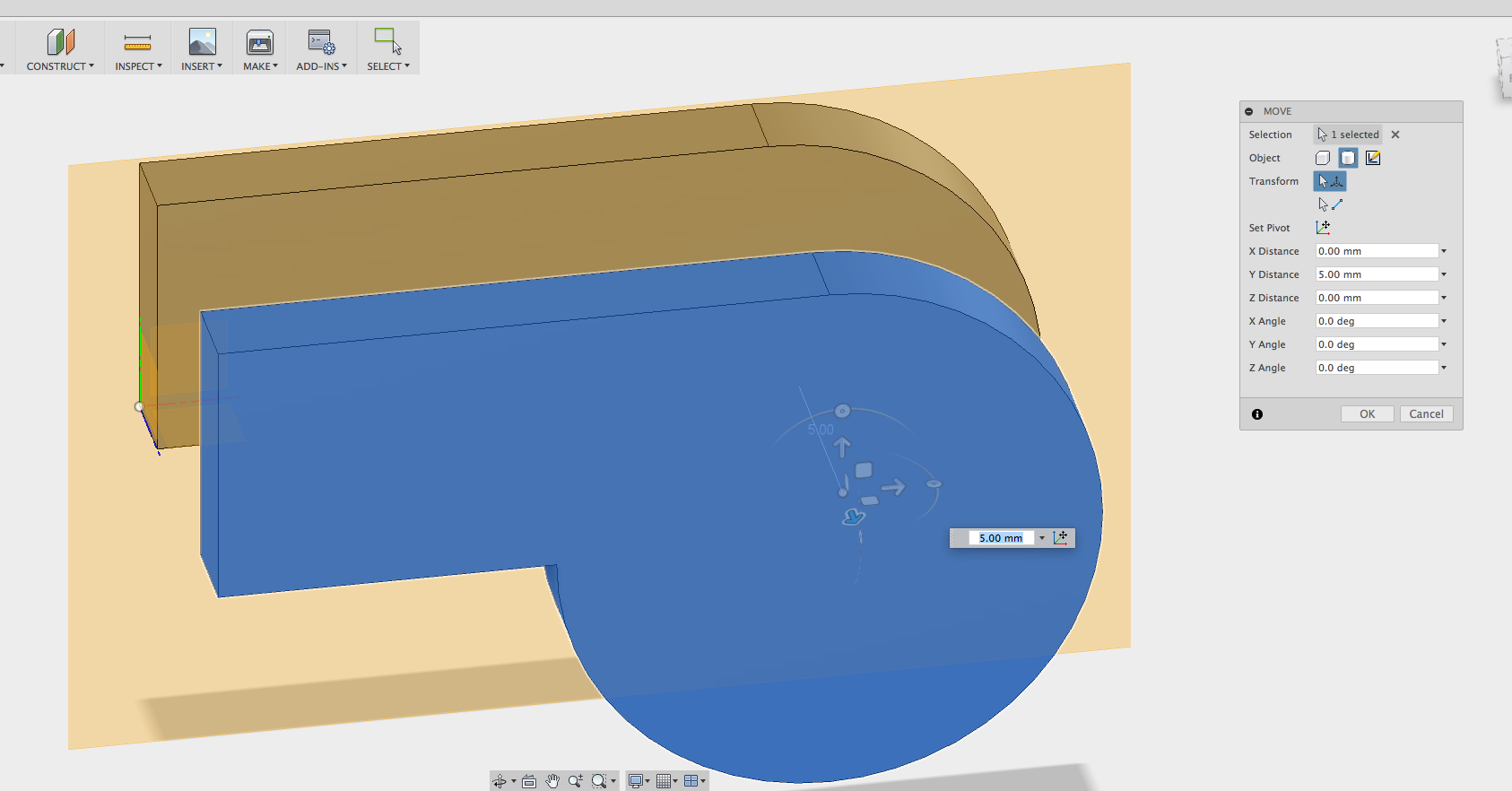
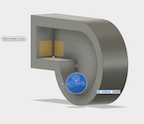
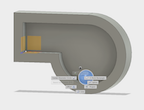
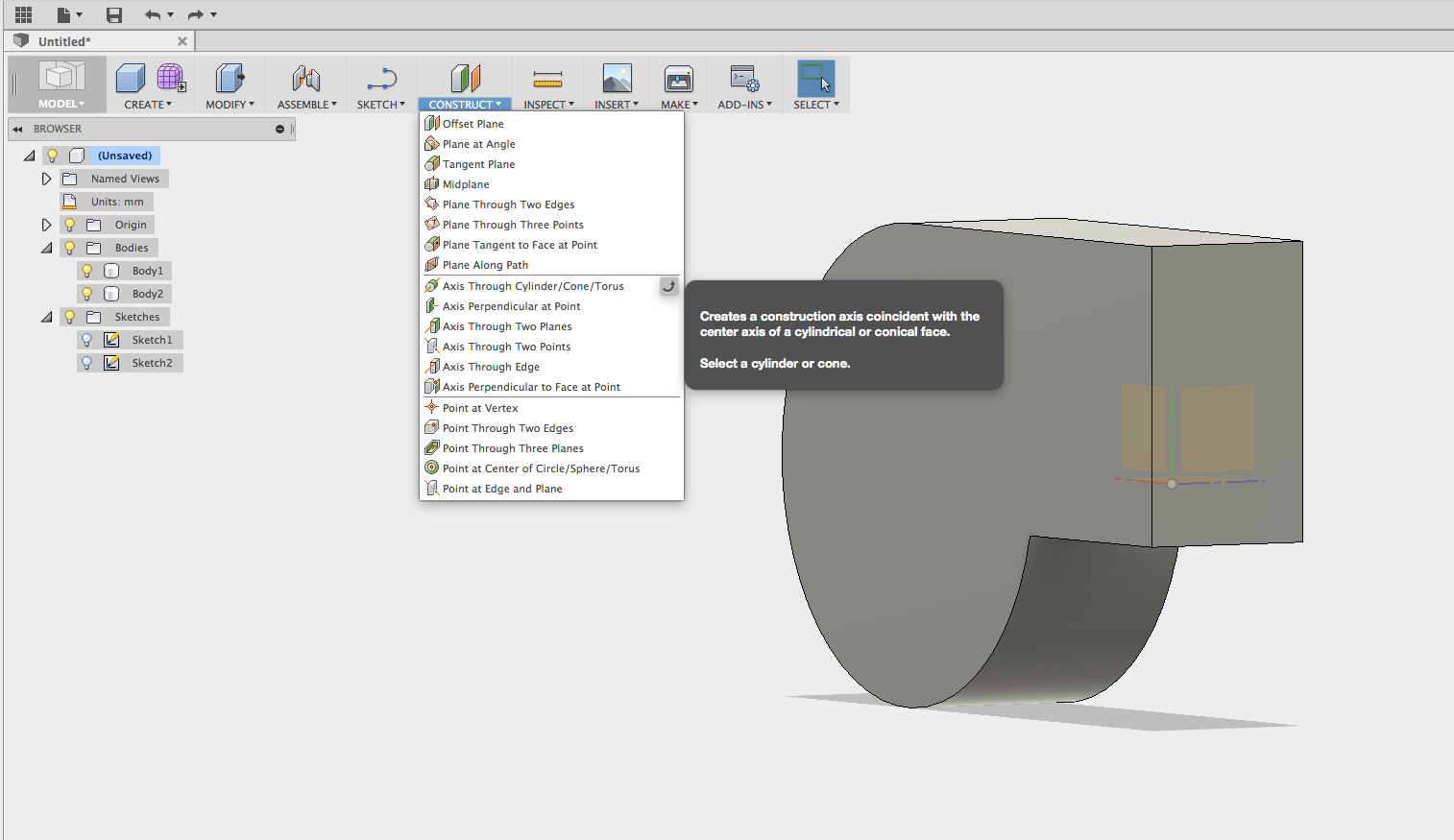
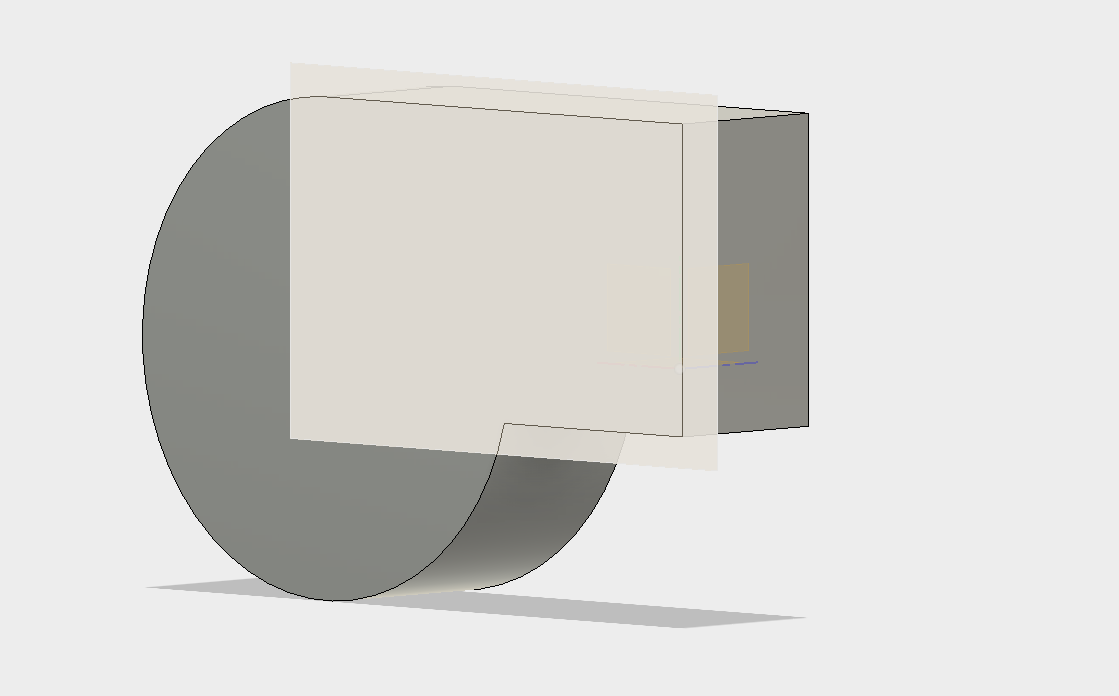
I created a sphere and move the sphere on the wall. I add a midplane to the whistle body. I tried to move the midplane. The midplane does not move and i then tried to create a plane on two faces. The resulting plane was not the answer. I was having a difficult time trying to cover the left side of the wistle

Fusion 360 Whistle Fusion 360 Whistle Fusion 360 Whistle Fusion 360 Whistle


I then tried adding a plane on the side of the wall of the wistle using various construct choices to no avail.
Fusion 360 Whistle Fusion 360 Whistle


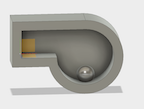
Finally, I realize that if tried to hollow the body, not the seperate faces, I could create a cavity.

Fusion 360 Whistle Fusion 360 Whistle

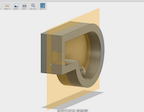
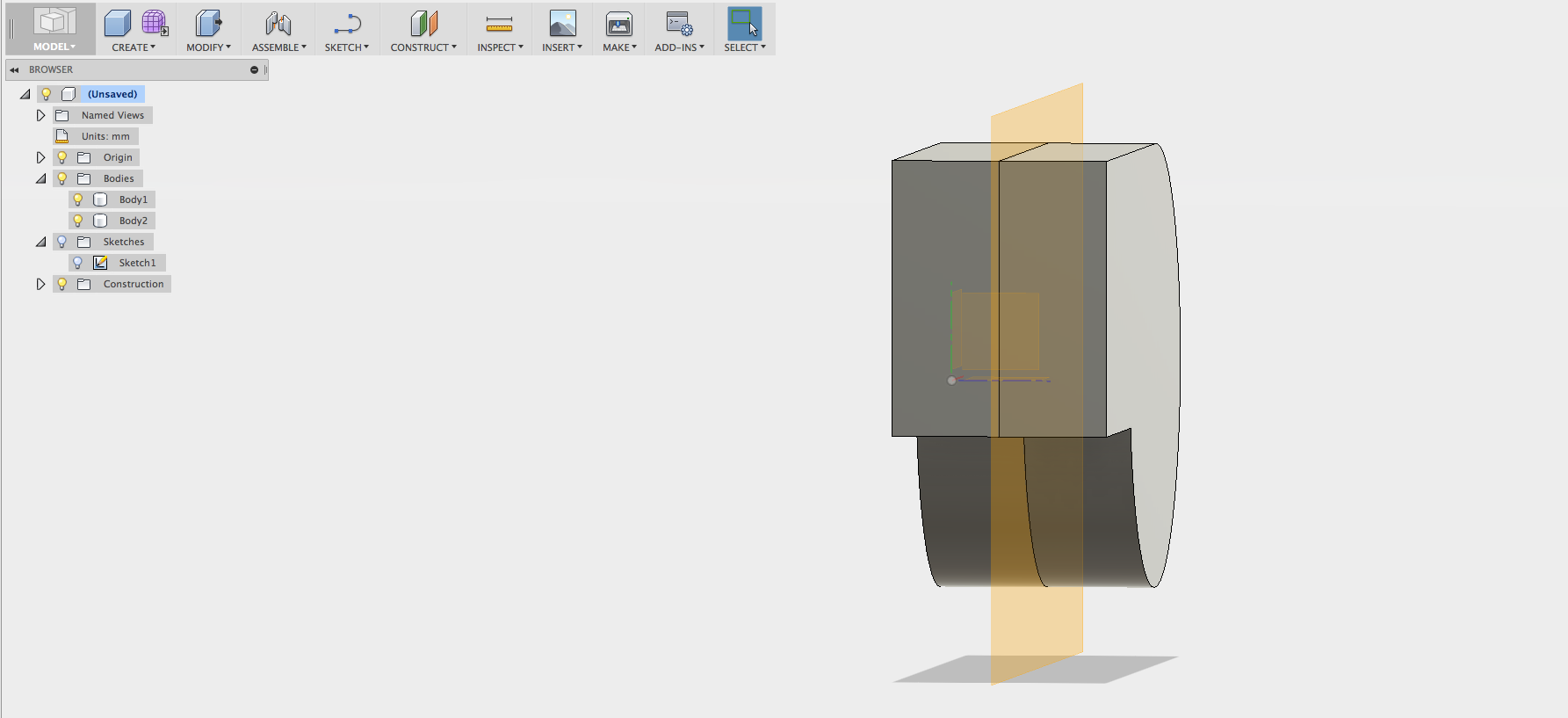
I split the body with the construct midplane command and the modify split body command.

Fusion 360 Whistle Fusion 360 Whistle

Fusion 360 Whistle Fusion 360 Whistle

Fusion 360 Whistle Fusion 360 Whistle


I used the create command to make a sphere and I moved it the side of the whistle.

Fusion 360 Whistle Fusion 360 Whistle

Fusion 360 Whistle Fusion 360 Whistle


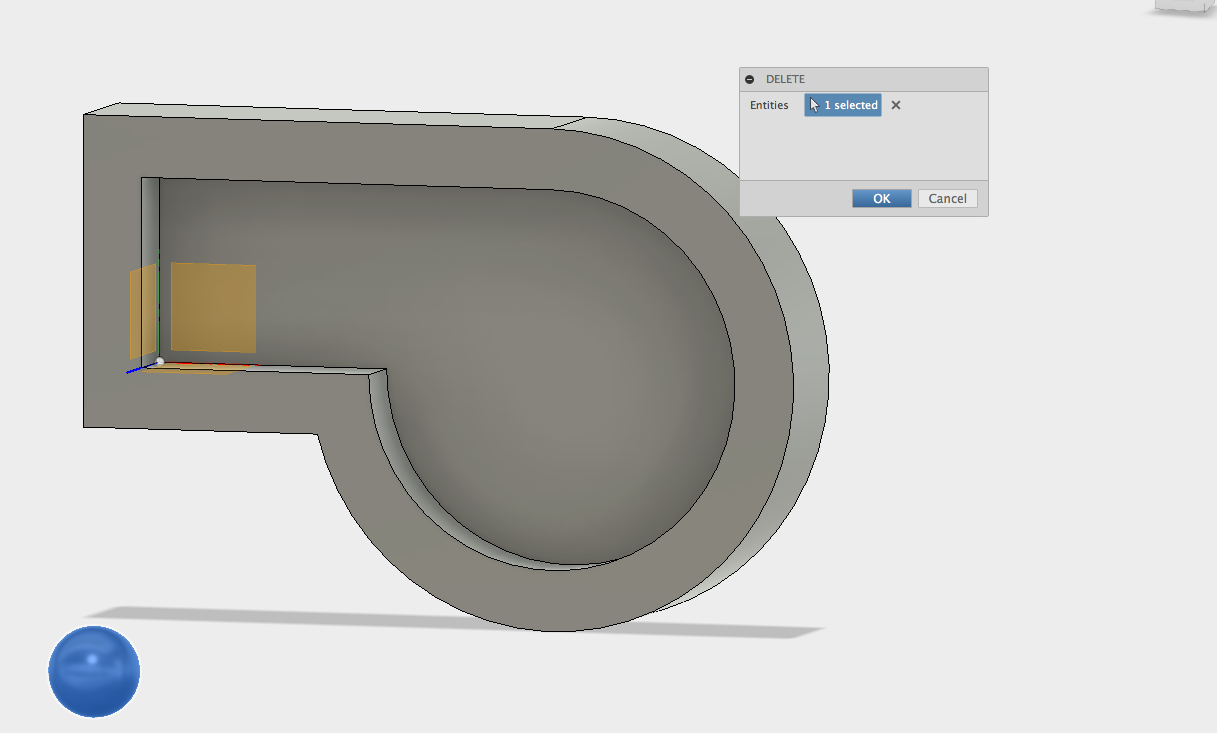
I began to worry the sphere or pea was two samll at 2 mm. I was afraid that it would not stay attach dring the printing process. I tried several times to rescale the ball so I deleted the existing sphere and created a new 3 mm ball.
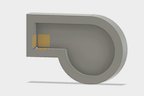
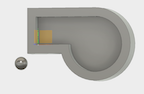
Fusion 360 Whistle Fusion 360 Whistle

Fusion 360 Whistle Fusion 360 Whistle


I then used the the modify combine command to to form one body out of the two seperate bodies.

Fusion 360 Whistle Fusion 360 Whistle


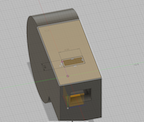
Now I added another sketch to the front face of the whistle. I drew a rectangle and used the the extrude and cut command.
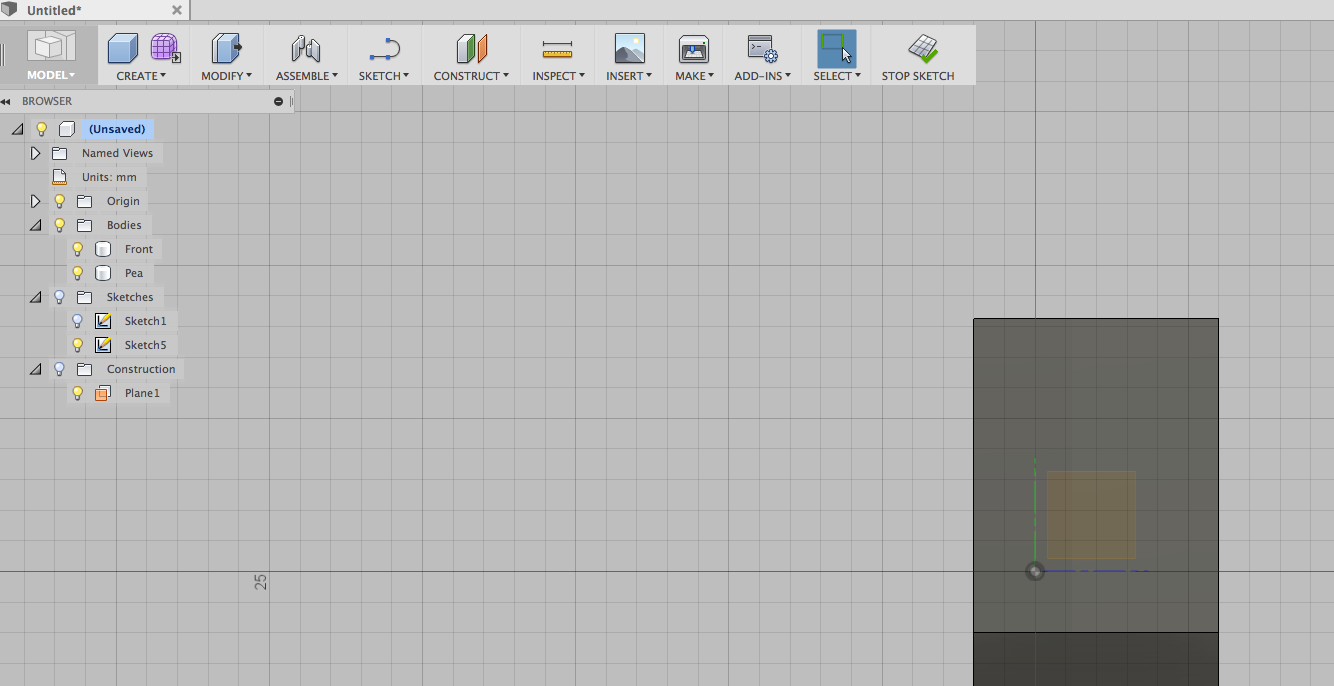
Fusion 360 Whistle Fusion 360 Whistle

Fusion 360 Whistle Fusion 360 Whistle

Fusion 360 Whistle Fusion 360 Whistle


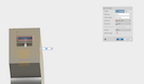
I repeated the process on the top of the whistle to make an exit hole.
Fusion 360 Whistle Fusion 360 Whistle


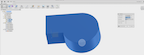
I then used the modify command to join the body of the whistle with the sphere.
Fusion 360 Whistle Fusion 360 Whistle


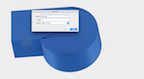
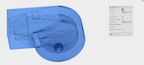
I know have made one body that i can print. I right clicked on the body and selected save as STL.
Fusion 360 Whistle Fusion 360 Whistle


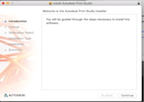
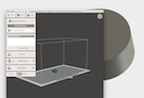
The Autodesk Print Studio option appeared. I tried it, but the utily only works for a few select printers. I use a Polar 3d Printer which is not list. I do have an stl file so I am ready to print. See printing the whsitle.
Fusion 360 Whistle Fusion 360 Whistle