Week 11: Output Devices
• Assignments
This week’s assignments
add an output device to a microcontroller board you've designed and program it to do something
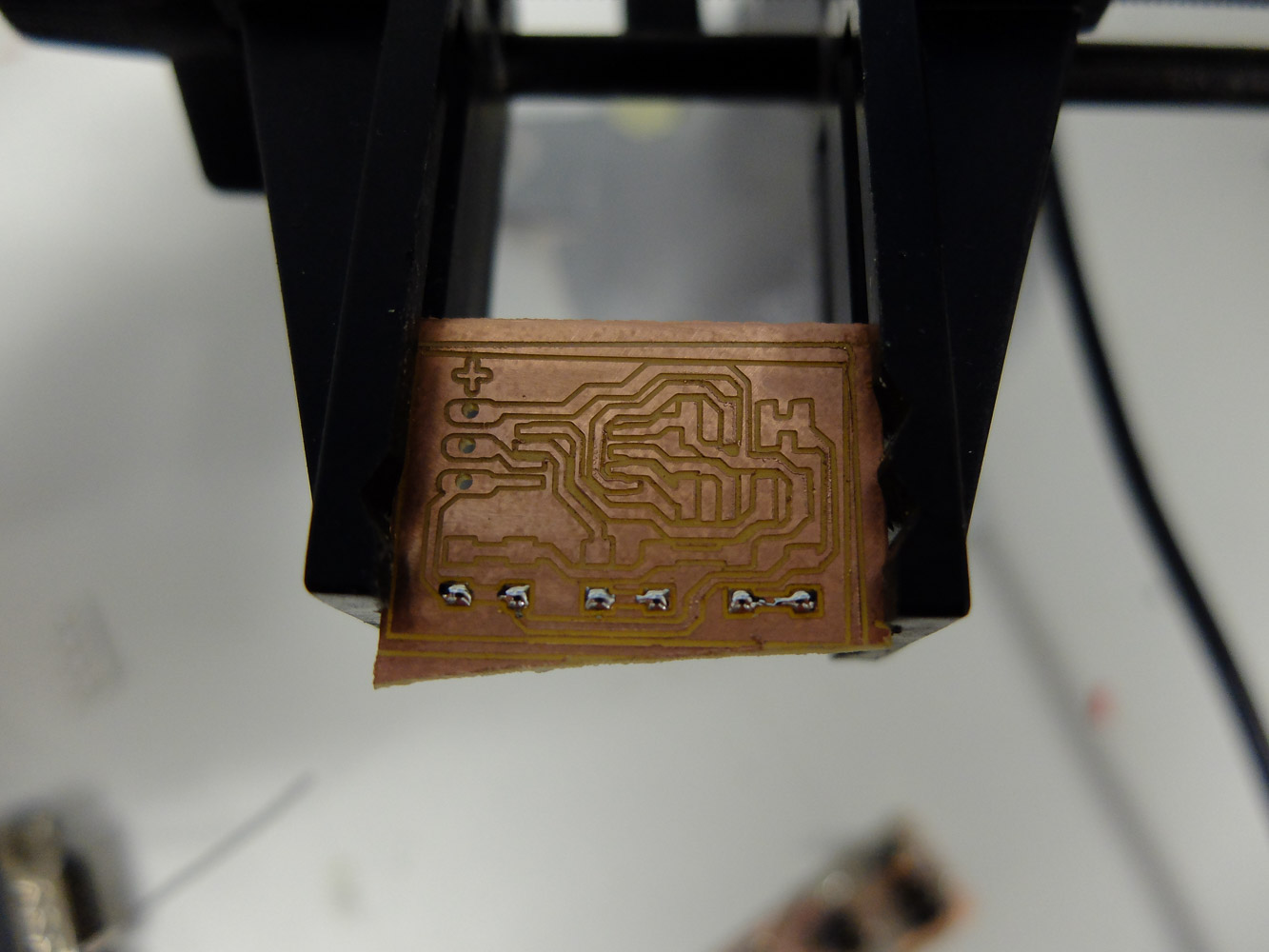
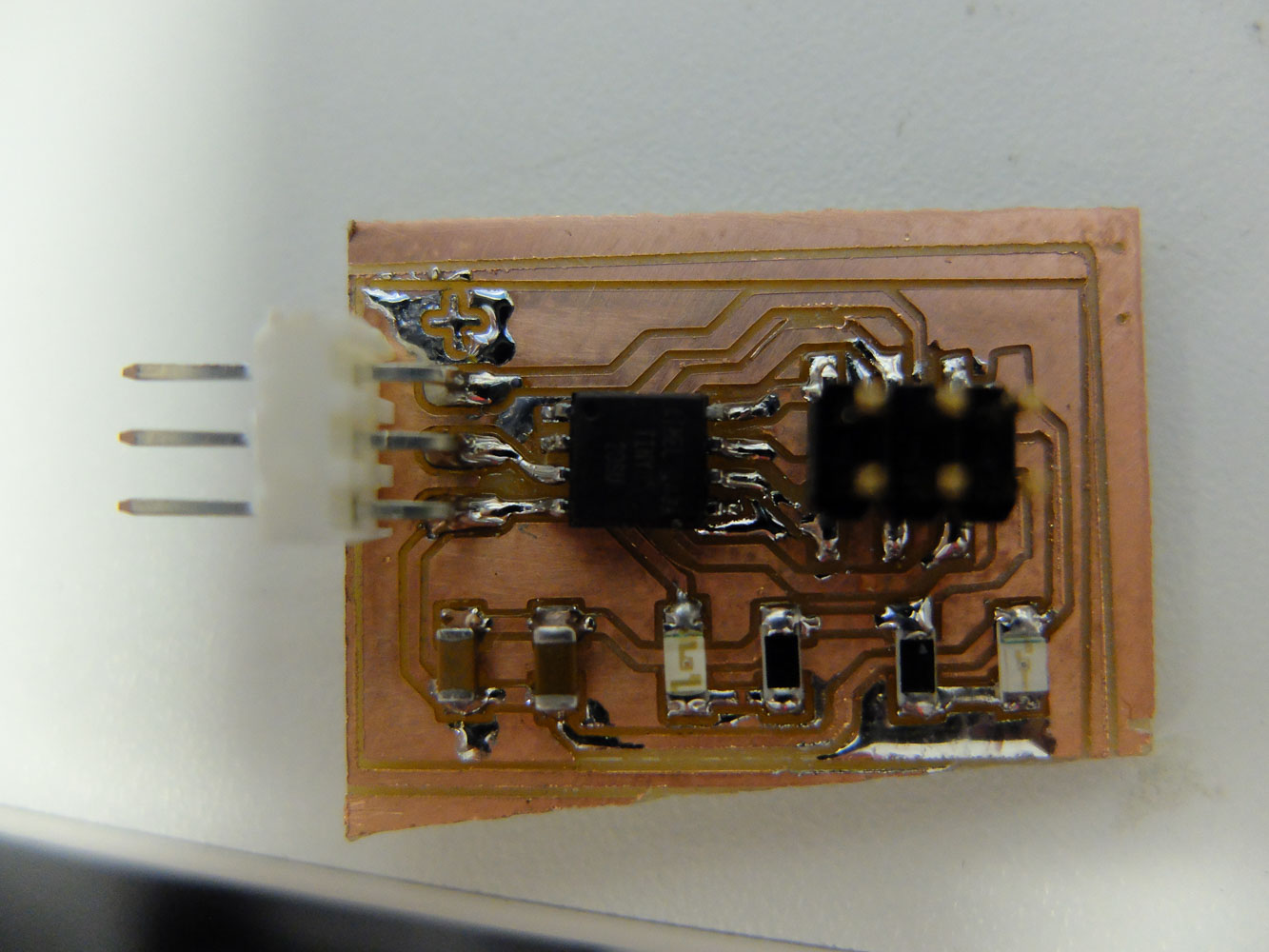
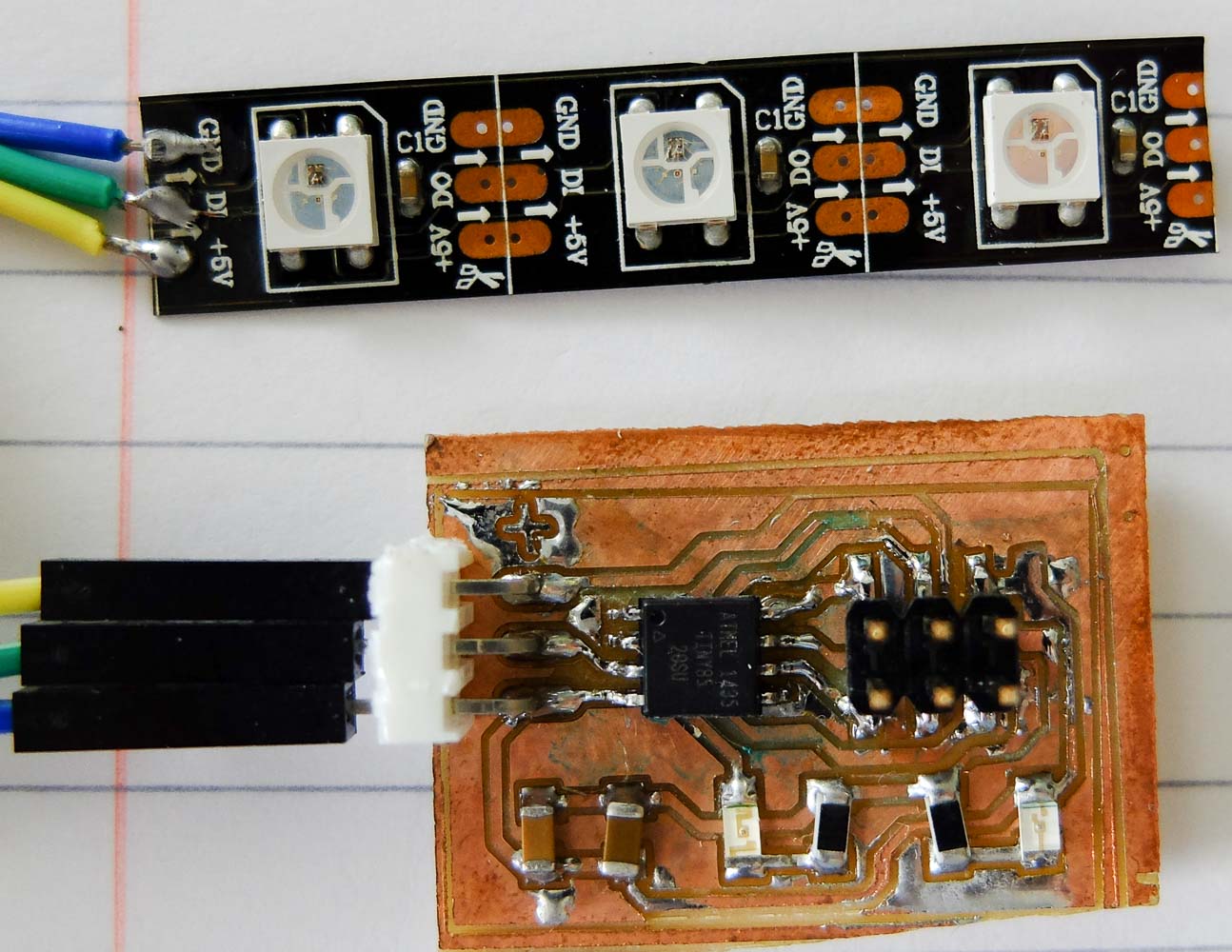
A very simple board that designed to control WS2812 RGB LEDs.
Code
#include <Adafruit_NeoPixel.h>
#include <avr/power.h>

#define PIN            4
#define NUMPIXELS      3

Adafruit_NeoPixel pixels = Adafruit_NeoPixel(NUMPIXELS, PIN, NEO_GRB + NEO_KHZ800);

int delayval = 50; // delay for half a second
int index=0;
int last_index=0;
int last_last_index=0;
char order=0;
void setup() {
  // This is for Trinket 5V 16MHz, you can remove these three lines if you are not using a Trinket
#if defined (__AVR_ATtiny85__)
  if (F_CPU == 16000000) clock_prescale_set(clock_div_1);
#endif
  // End of trinket special code

  pixels.begin(); // This initializes the NeoPixel library.
}

void loop()
{
  pixels.setPixelColor(last_last_index, pixels.Color(0,0,0));
  last_last_index=last_index;
  pixels.setPixelColor(last_index, pixels.Color(20,0,0));
  last_index=index;
  if(order)
  {
    pixels.setPixelColor(index, pixels.Color(50,0,0));
    index++;
    if(index>=(NUMPIXELS-1))
    {
      order=0;
    }
  }
  else
  {
    pixels.setPixelColor(index, pixels.Color(100,0,0));
    index--;
    if(index<=0)
    {
      order=1;
    }
  }
  pixels.show();
  delay(delayval);
}
Get the files
You can download the source files directly.