Week 3:Computer-Controlled Cutting
Assignment:Cut somthing on vinyl cutter design,make,and document a parametric press-fit construction kit.

Machines used: Silhouette cameo
1)Power On the Machine using the button in Right side .the Make sure your machine is connected power supply and to the PC via USB cable in which silhouette Studio is installed.
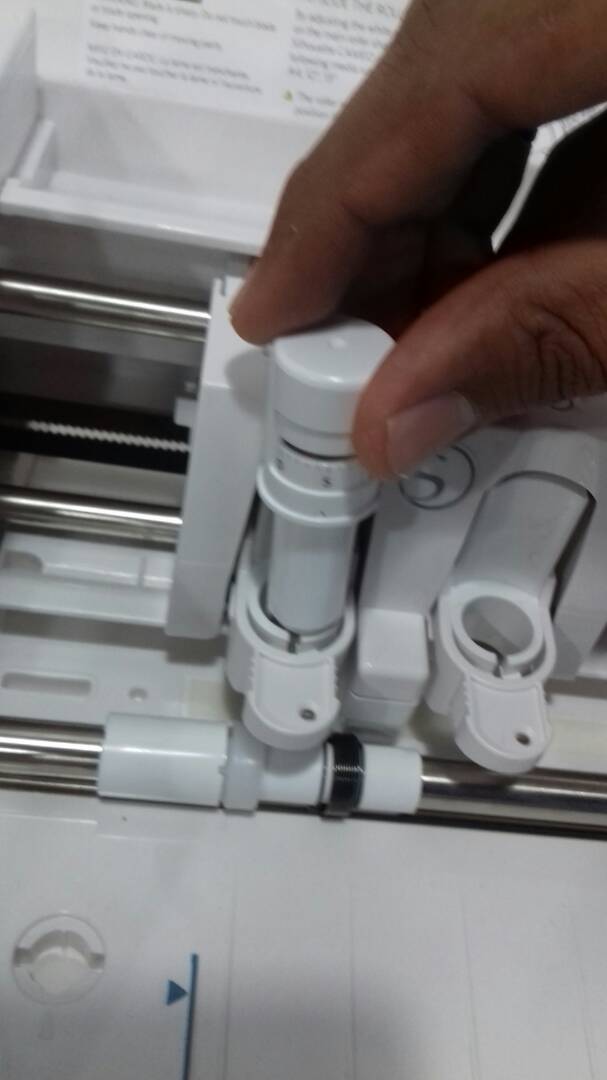
2)Load the cutting blade to the machine after pulling the knob to open the slot.After placing the blade, Close the knob
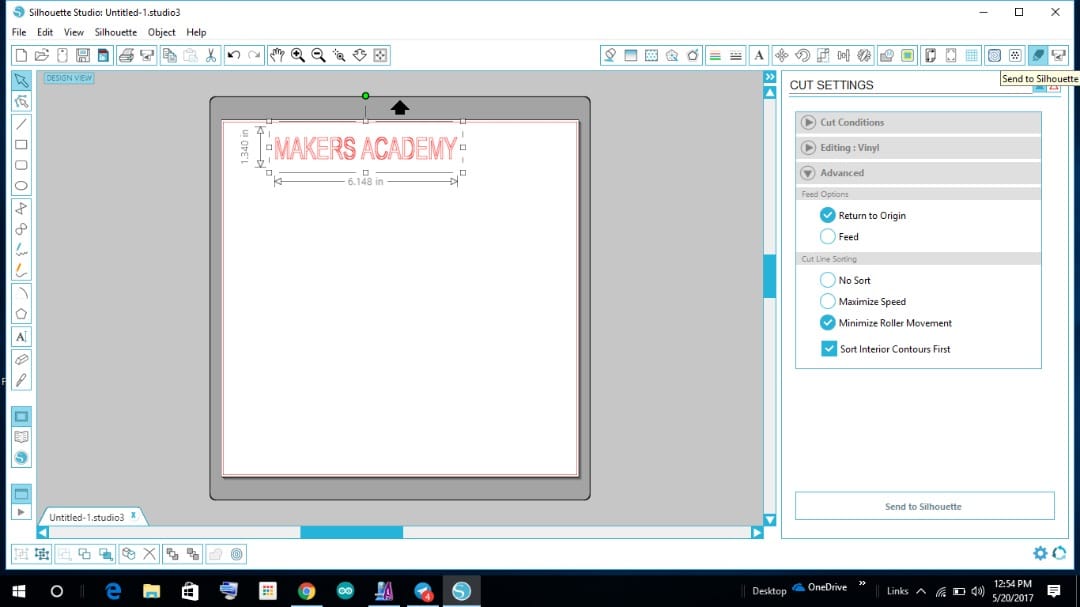
3)Making your design: Open the Silhouette Cameo Studio and design any thing using the tools and symbols.Also You can import the designs from library.For example here we made “MAKER ACADEMY” Using the text tool. Adjust the parameters to get as per required size. Select the cut option and material from Cut settings.The blade depth and speed will be automatically set as per the material selection.After completing these things. Click on “Send to Silhouette” from bottom right option.
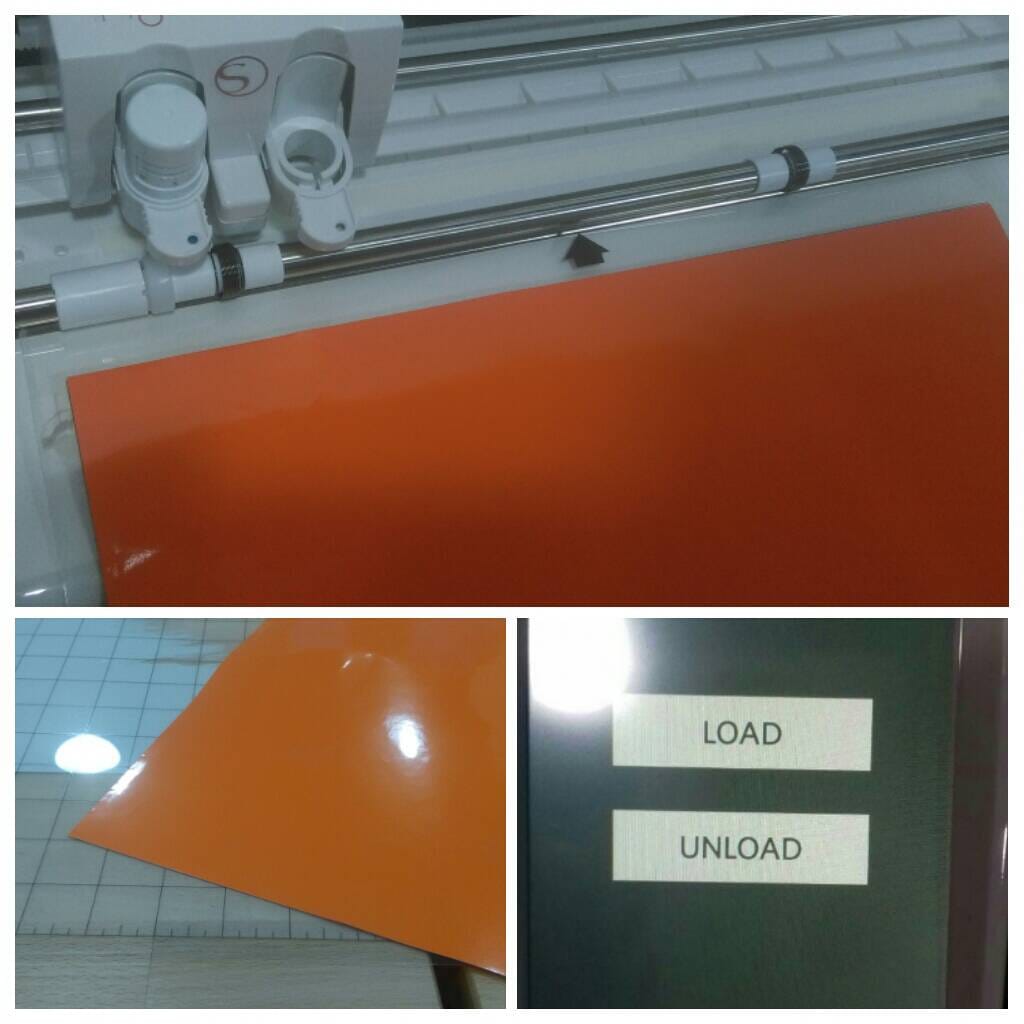
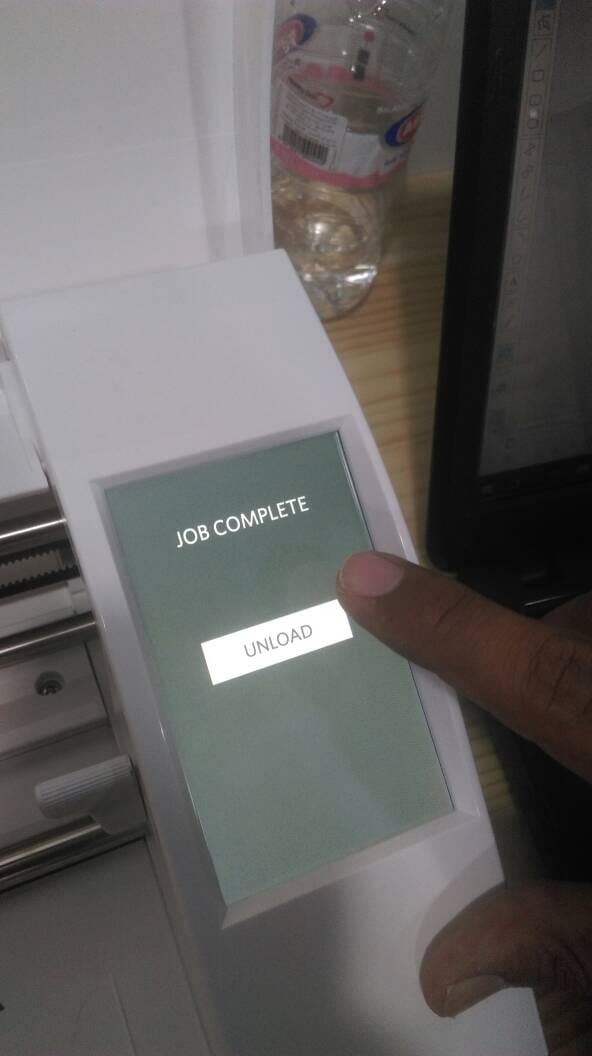
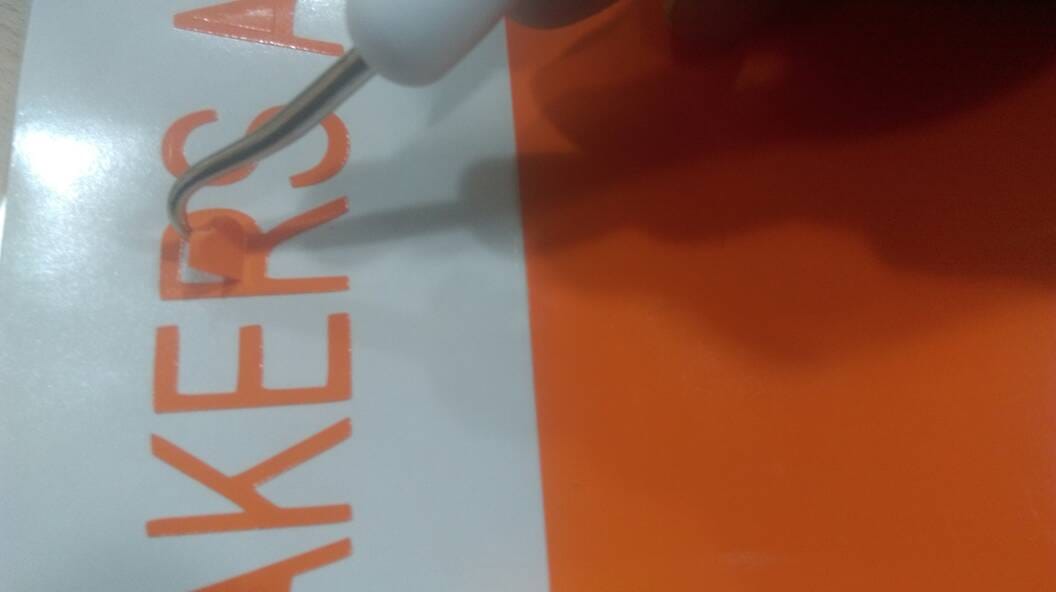
4)Once the Job is completed, Unload the Vinyl using “UNLOAD” option in the machine.REmove the Unwanted portions after cutting.Use Blades and hook tool for removing.
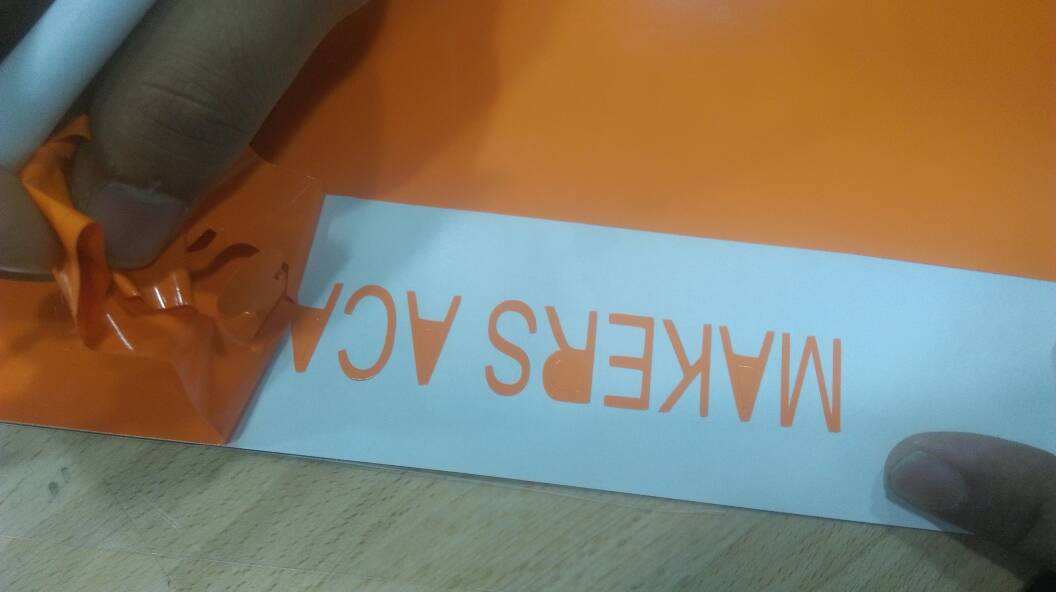
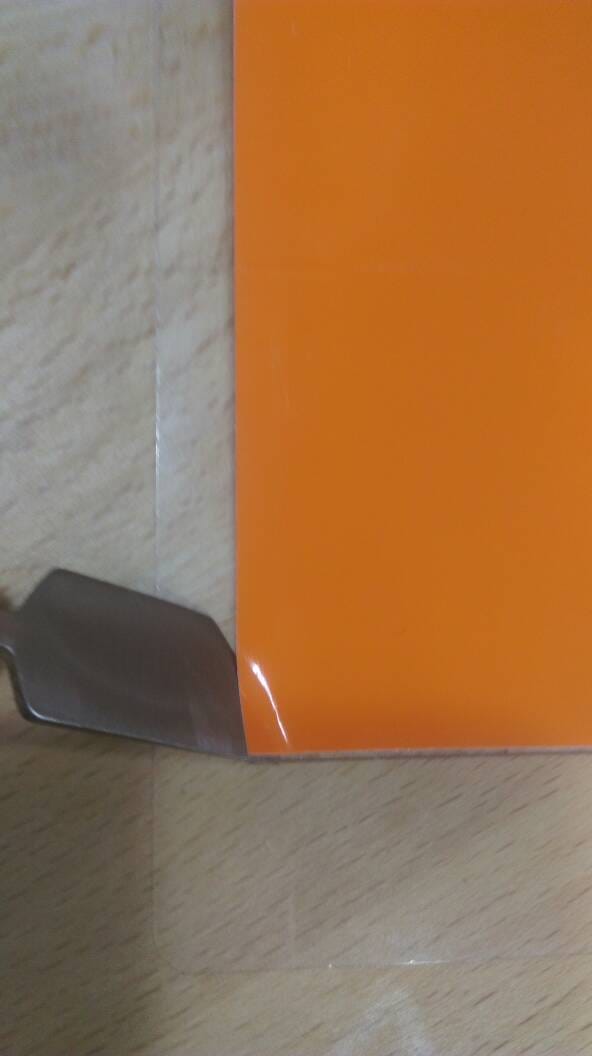
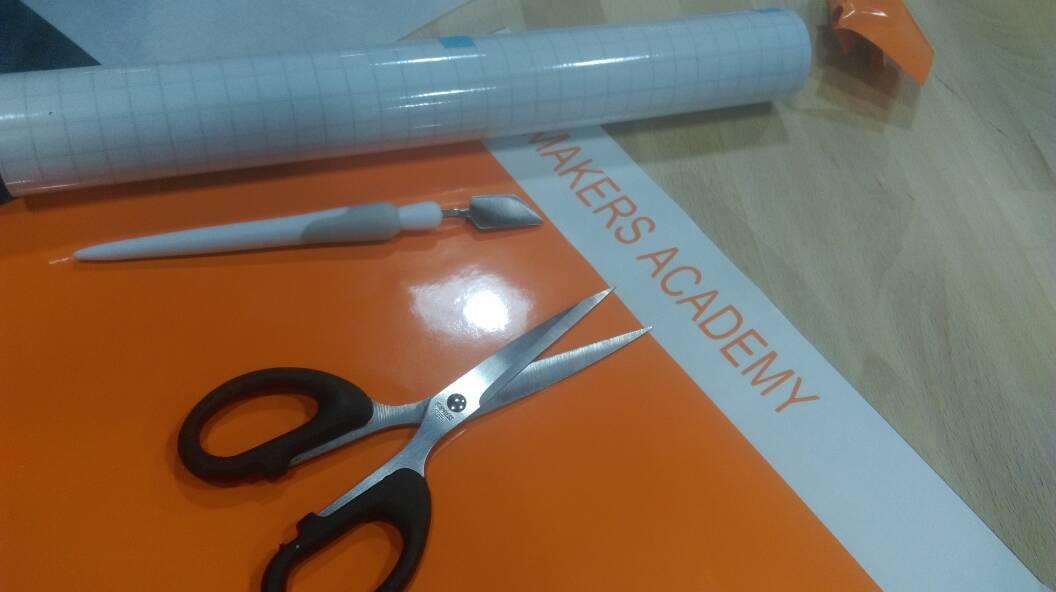
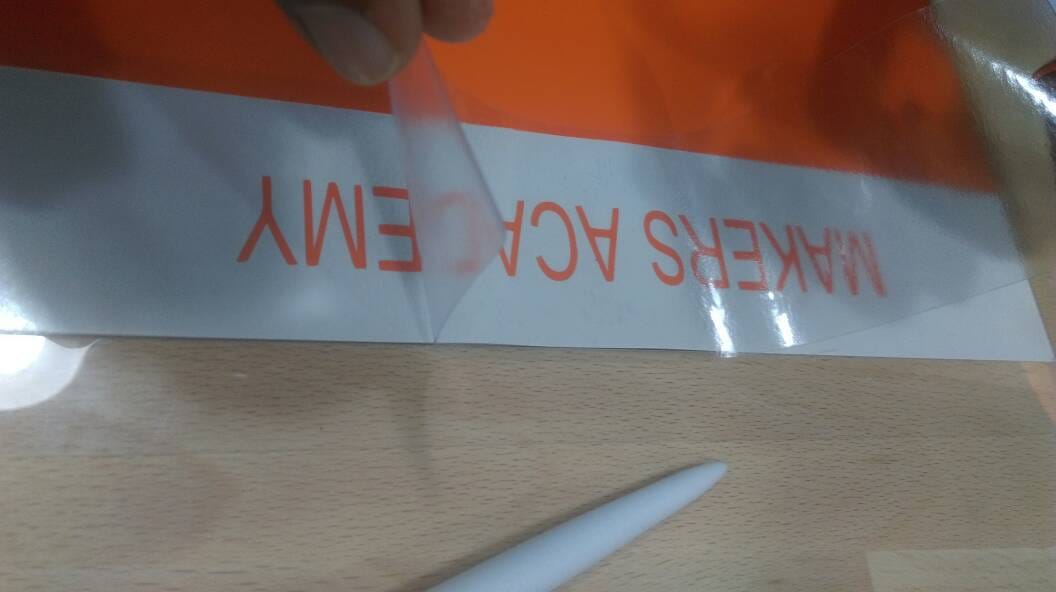
5) Using transfer tape, take the design out as shown below.Use Use scriper after placing the transfer tape to get the sticker perfect.
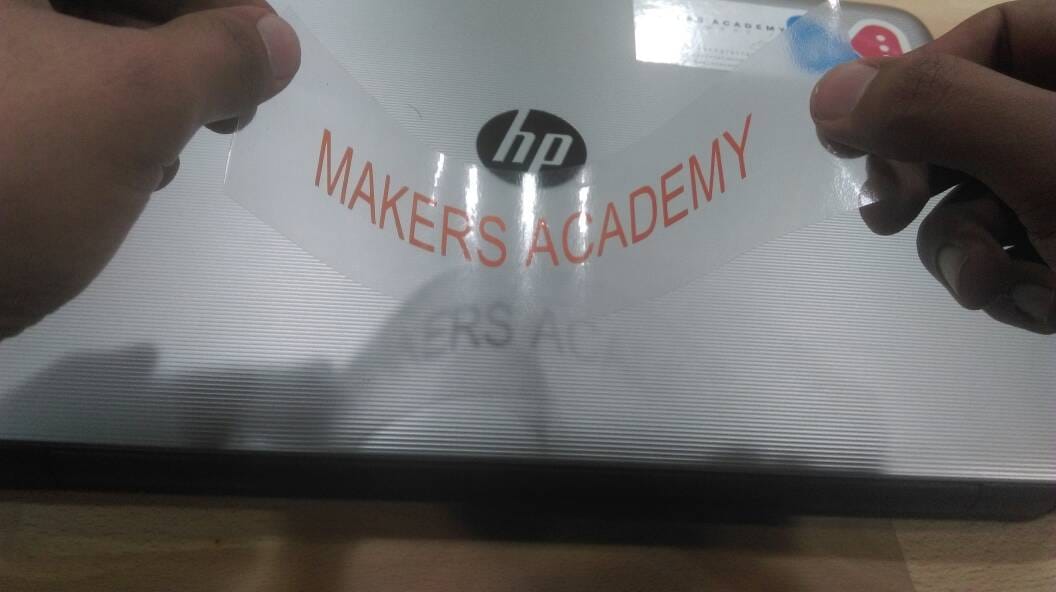
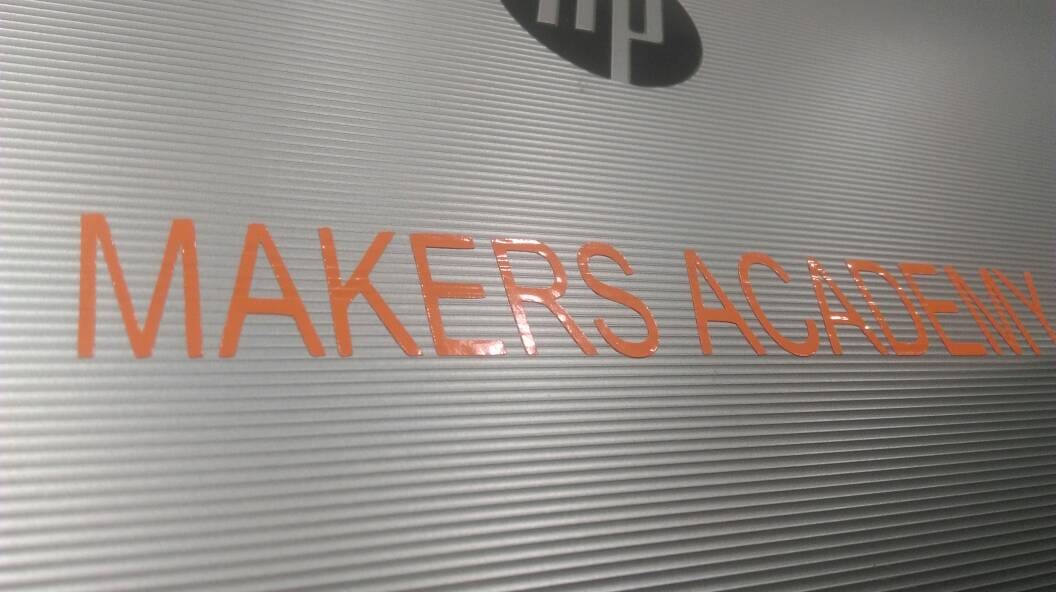
6) Peel off the tape and Apply on the surface to which you want to transfer.Use Scriper to get the design sticked well on the surface. Peel off the tape
Laser Cutting
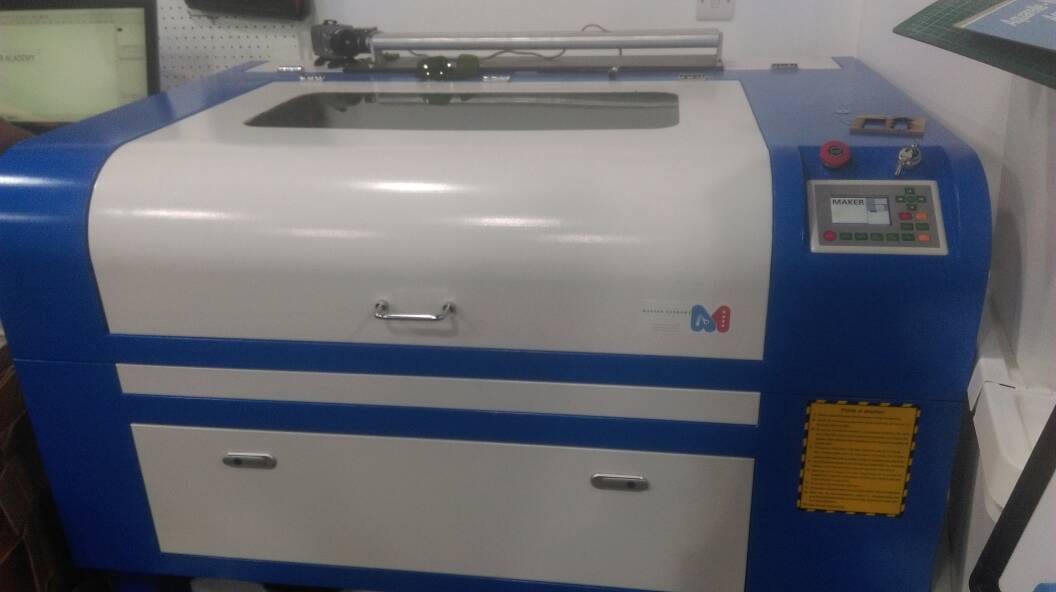
What we need to laser cut?
1.Make machine ready.
2.Design
3.Cutting
1)Make sure that machine is powered up and the PC with the application “RDWorks V8” is connected to the machine. Open the Application RDworks. for example we are making a keychain where “Maker Academy” is engraved on a square box.
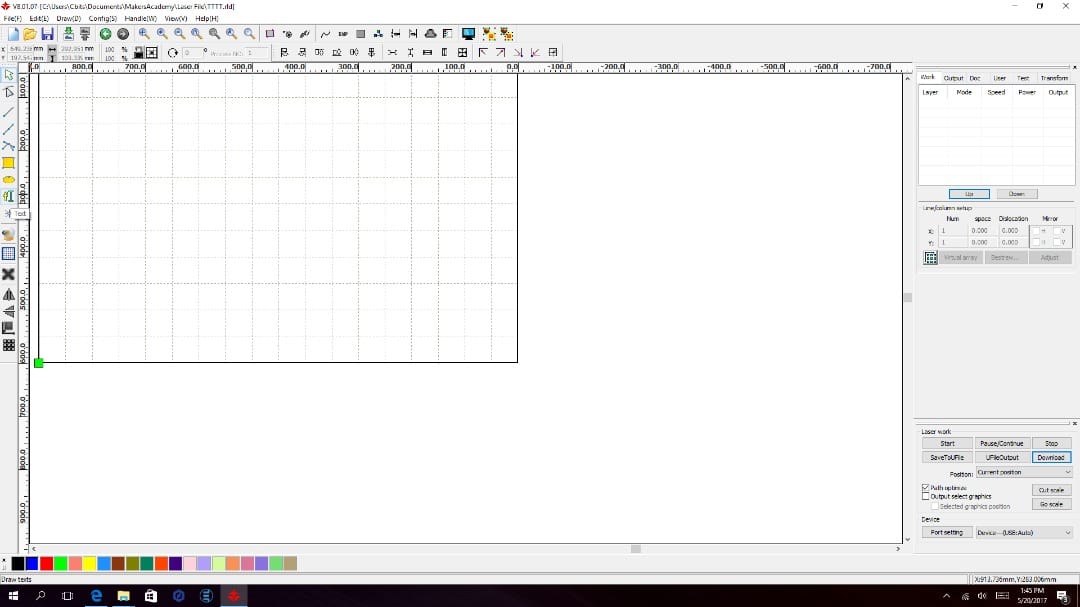
Design your idea using the different . tools available in the application.
2) choose this “” option from the left side toolbar panel, for adding text.you can use any application for creating the design if wanted. Here using onshape we have created a sample keychain design
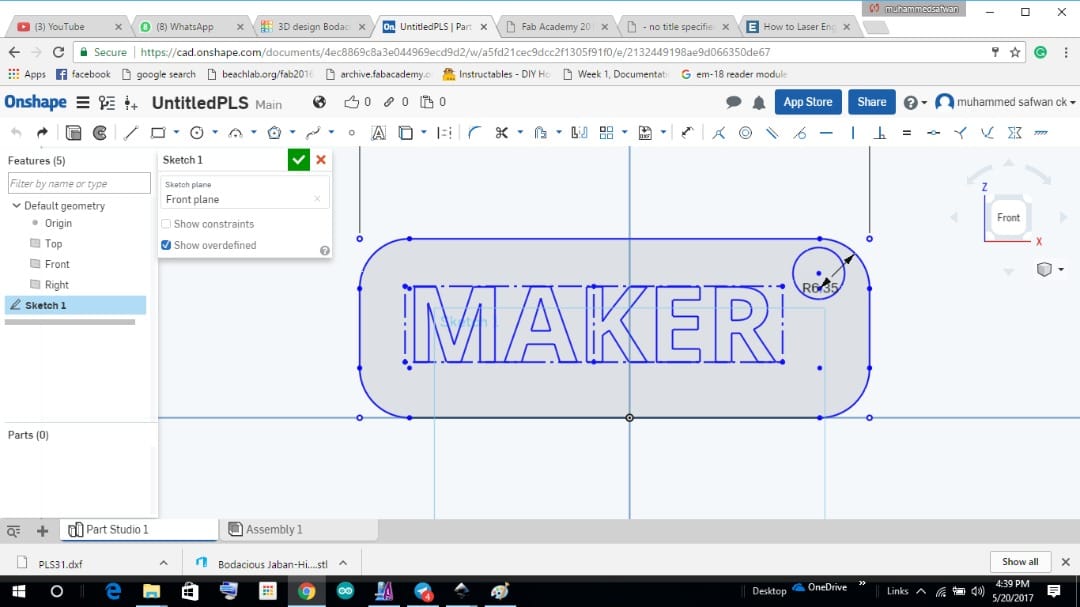
Converted into “.dxf” format and open the laser cutter software and import the dxf file to it (FILE->IMPORT->”choose your file”) and you will get like this.
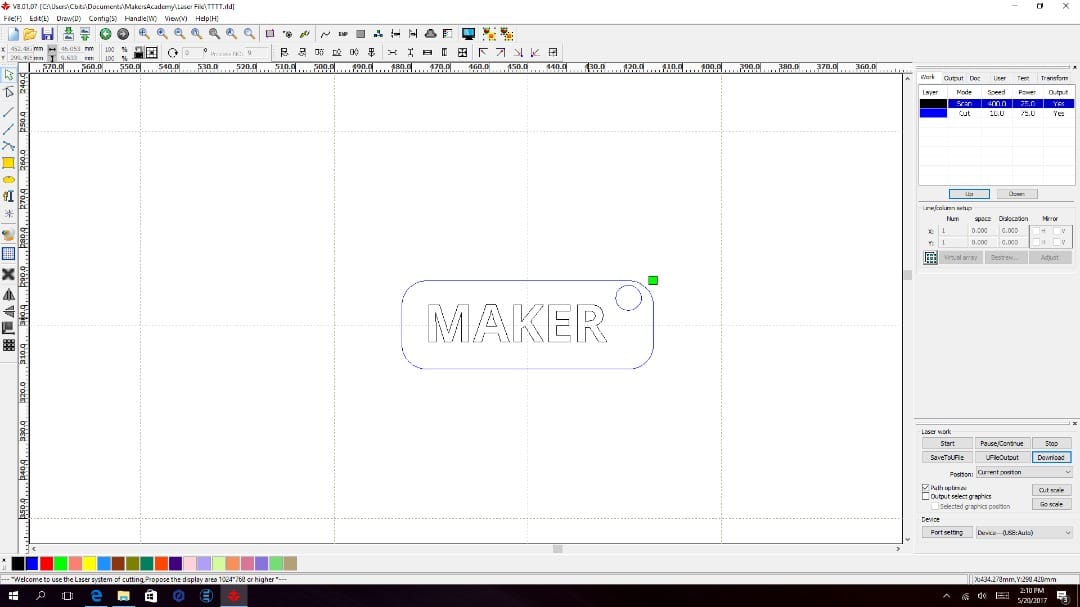
3) setting up the speed and power: Choose the portion you want to Engrave and give a color. Then Change the option to Scan.Move it to Up .So that engraving will be done first and then cutting
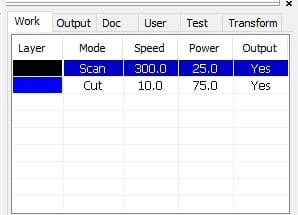
Optimal value for cutting and engraving for this machine is:
Cut Speed: 10 // Cut Power: 75
Engrave Speed: 300 // Cut Power: 25
4) So once the design is done and the parameters for Cutting and Engraving is set,press the download button on left bottom corner of the application,
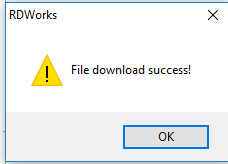
Then you will get the above pop-up menu ,press “OK” to continue.
after that on the machine press “FILE” ,where you can choose the file from the screen and just press start to start the cutting. Preview of your design will be seen in the screen of Machine.
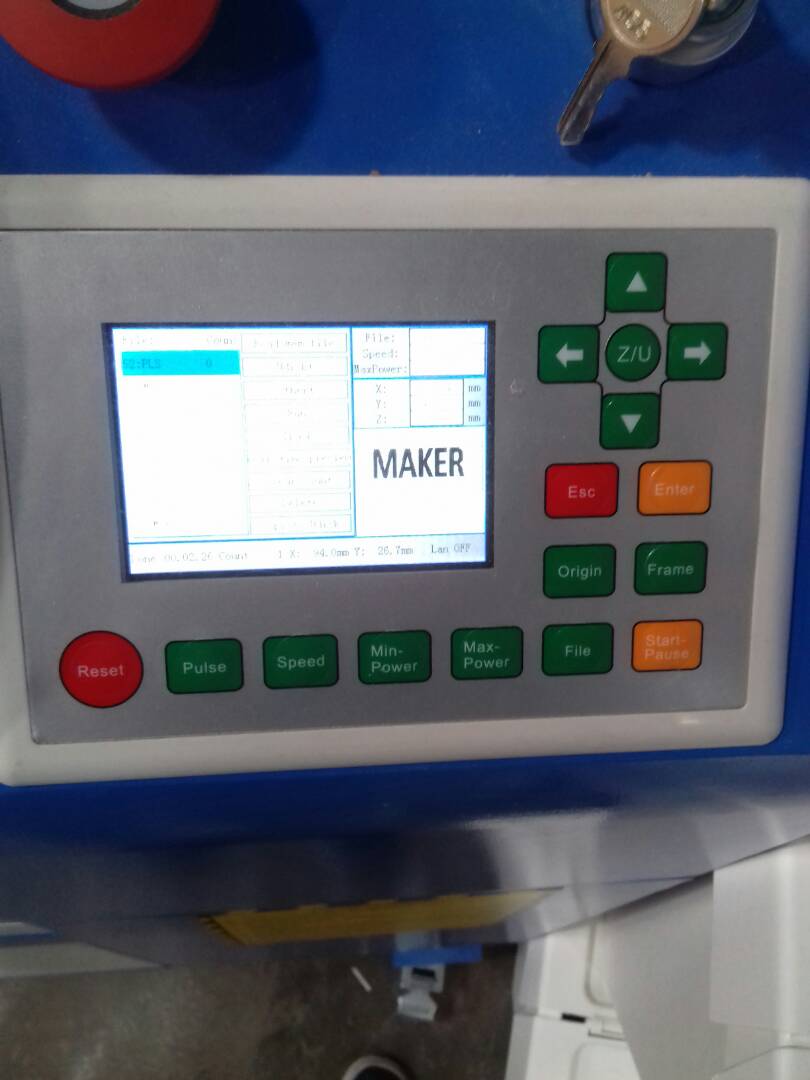
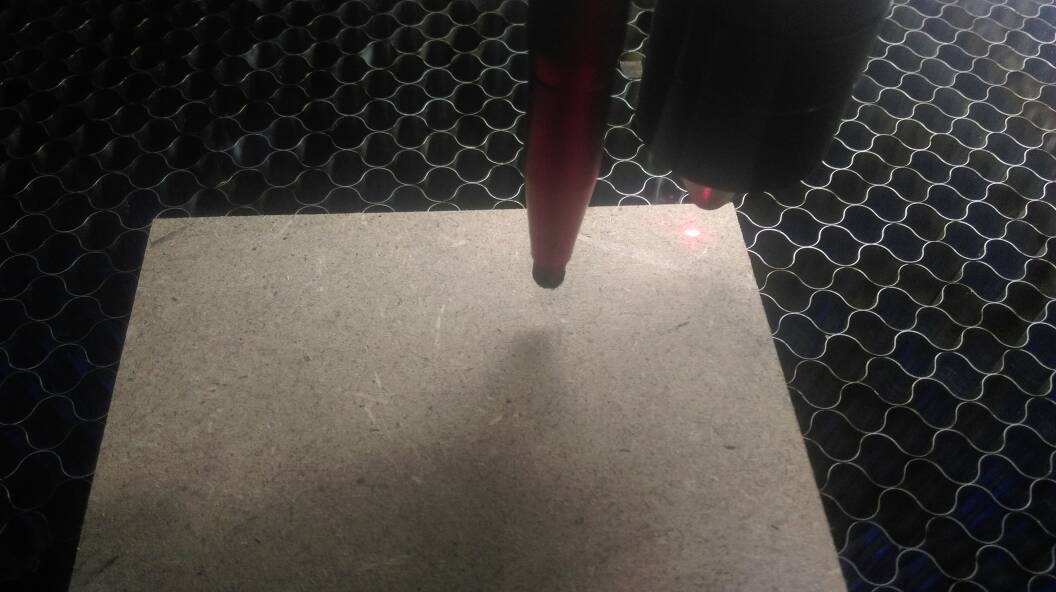
5) Loading the material to the Machine and start cutting: Place the required material you want to cut in the machine table.You can adjust the position of laser head with the navigation button on the Display panel of machine. So that material will be aligned properly for your design.
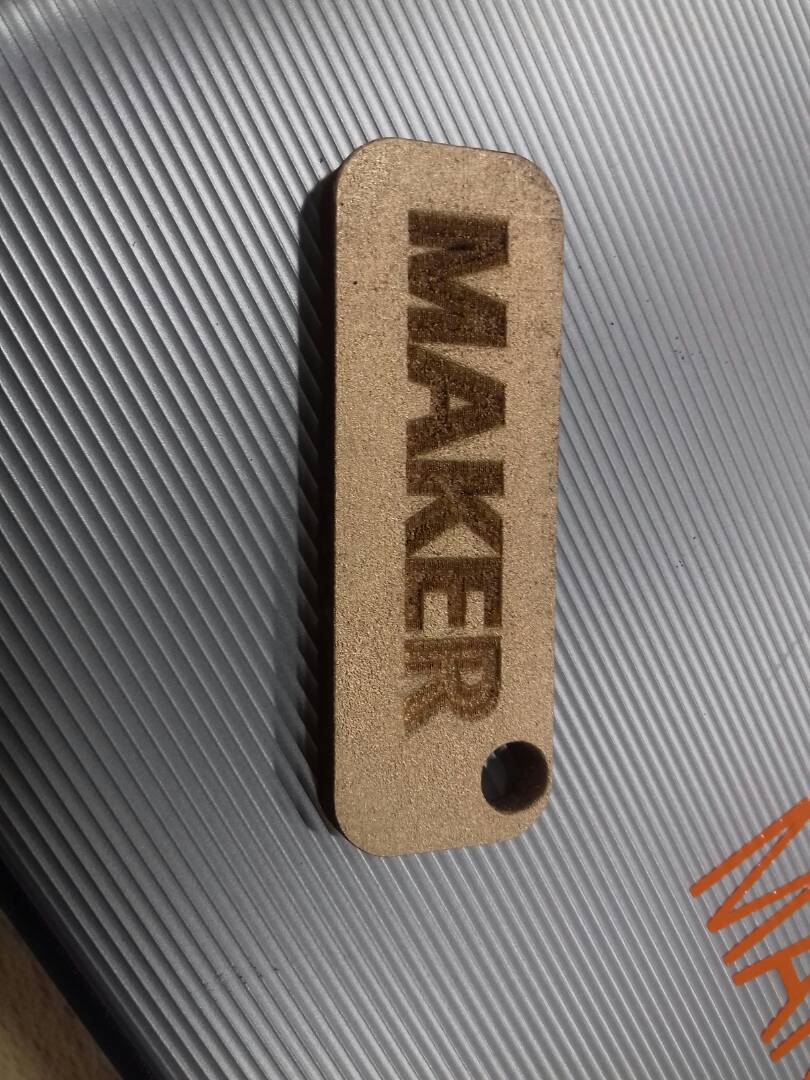
press fit design
I have to start the press fit design in onshape.this is the first time i am using the onshape it is an online software.first we want to sign with the software.
Design
What is a parametric design?
“Parametric design is a process based on algorithmic thinking that enables the expression of parameters and rules that, together, define, encode and clarify the relationship between design intent and design response.”
According to This.
My “understanding”
A parametric design means that it will be constrained with dimensions that makes every line or curve will be under certain measured or predefined distance/dimension which can be altered by changing the corresponding value there will be considerable changes in the design ,for easy understanding i got idea from the concept of fillet example, that is if the value of fillet is changed then we can even change the entire look of certain design, so the concept is that if we change some values or parameters we will able to obtain a different design scenario.
4 Advantages of a Parametric Modeling Program
1.A parametric program makes it super easy to modify dimensions later on.
2.It’s more easy to join organic shapes, like armor panels, with precise mechanical components like hinges and mounting features for hardware.
3.Onshape is set up rather like Google drive in that it allows easy collaboration between users working in parallel on a shared document.
4.The “part studio” method of creating parts, and handy interfaces for doing splits and booleans makes it a lot faster to break one part into multiple parts or to join parts into one. Since many of these models are intended for 3D printing, I can easily divide a part so that it prints optimally.
video helped me to grab idea of basic thing about
It took me sometime to get an idea about the concept of parametric tool even though i just imagined in many other wrong ways which are utter foolishness but in the end i got the concept of the parametric design and many open-source tools as well.
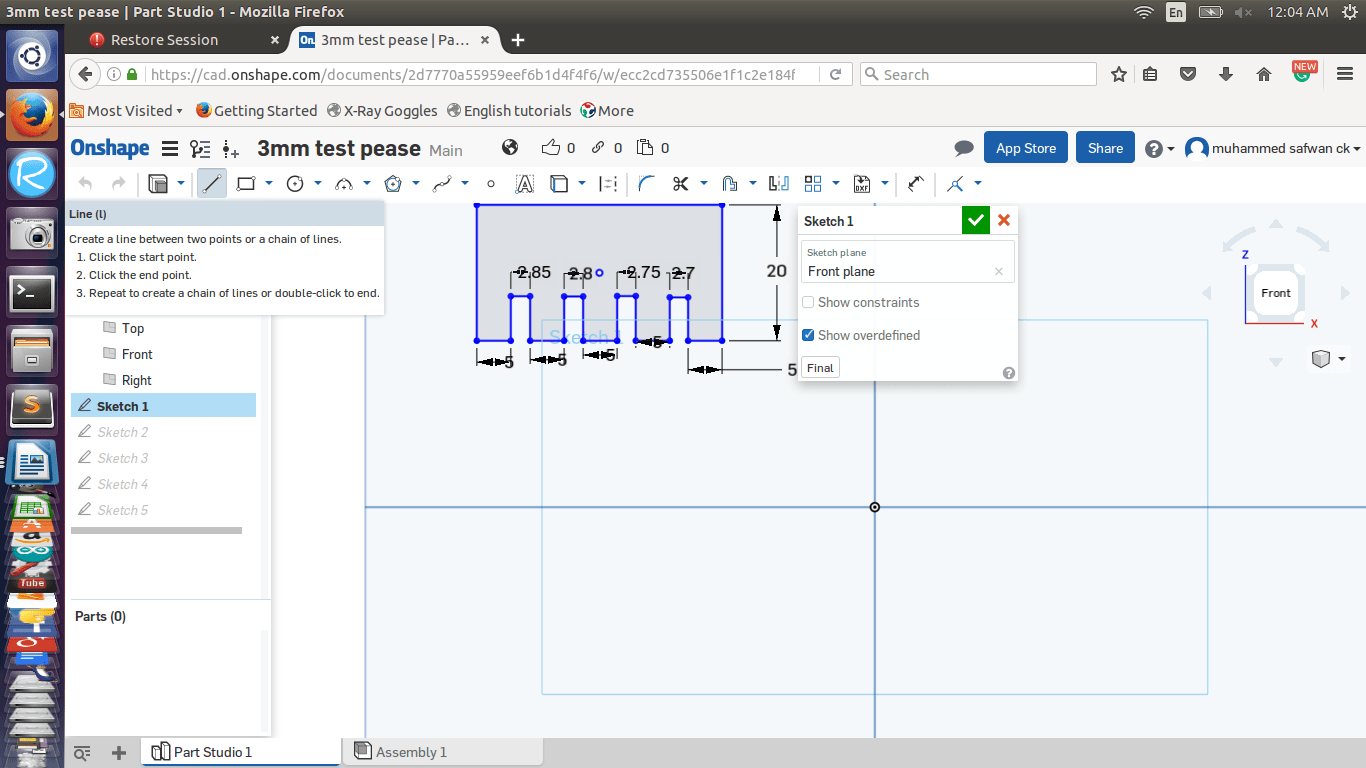
our instructors told as when you are making a press fit first we want to make test cut for best fitting,we are using 3mm acrylic that is why i made a test and i got the best fit is 2.7mm
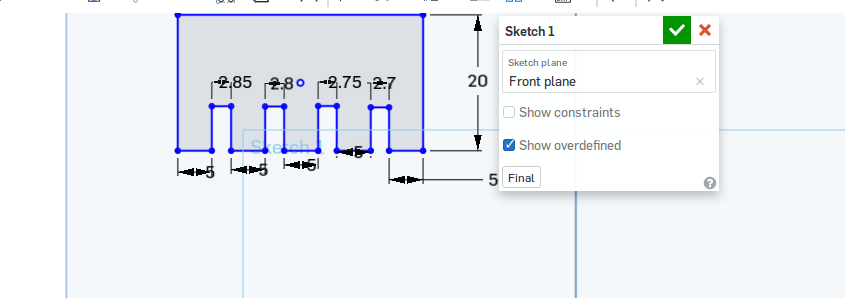
then i plan to make a press fit box for that instrucors introduse some tools.the basic one is line tool we are using this tool for making lines.
And i am use another tool is called is mirror tool this one help me a lot for making box.
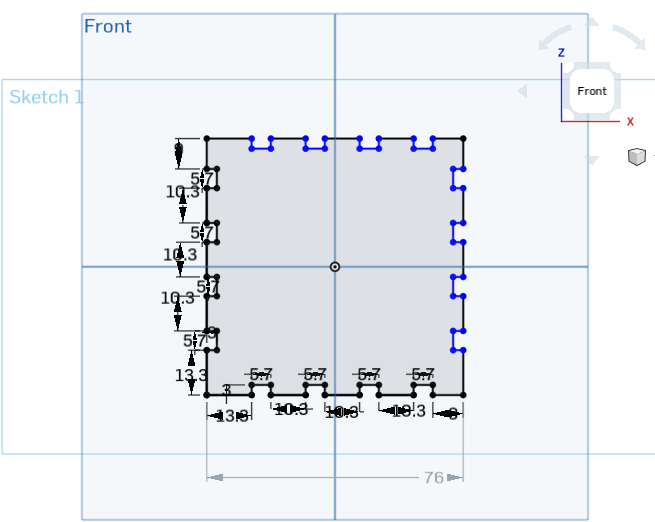
First i design the bottom part
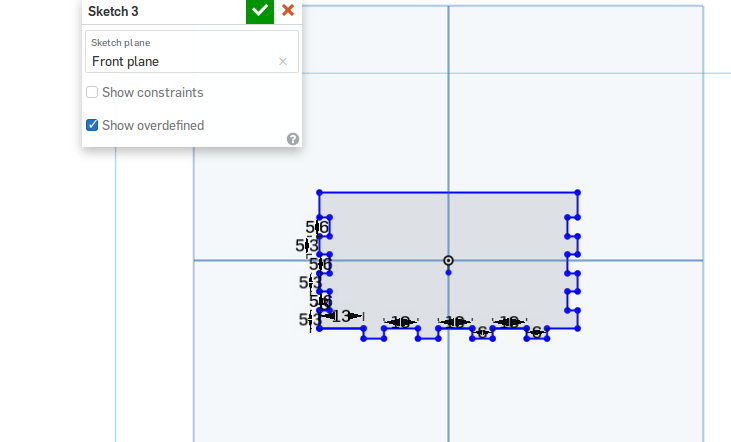
First i stat the bottom part.my plan is make 70*70cm box.in here i am using 3mm acrylic sheet that is why i increased 6mm both side and the bottom part i am planning to make femail slot.before that ic checked the best slot width decrease .3mm .in here i am planning to make 6mm mail slot width that is why i desighned 5.7mm width.more over i ad the .3mm both side.
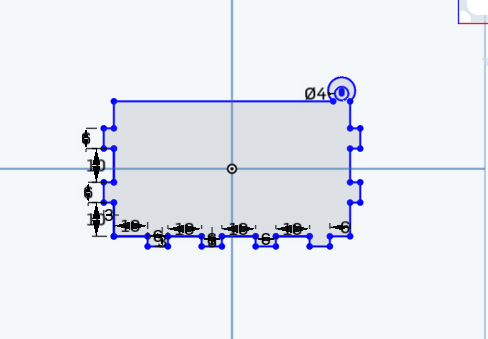
2*1 side part
the next stage is side part,in this part of design i am plan to design a hole for attaching the top part(oppen and close) before i made the the bottom part that is femail slot,that is why here i designed the mail slot and i gave 6 mm width,this design i am using two side .moreover i made a circle 4mm diameter for attaching the open and close part
IN my design 3 part is completed.the remaing stage is another two side and top part.i start the remaining two side.in here also i designed 6mm width and i gave 70 mm width
Top part
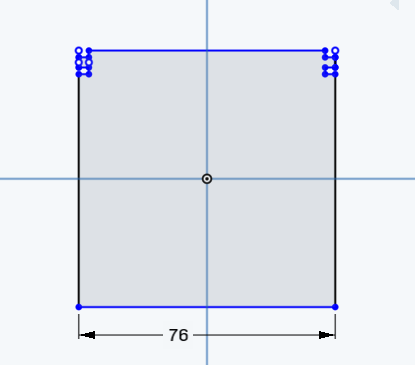
finally,i designed the top part and i gave 76mm *76 Also I designed the holder part.
Then I start the lasser cutting
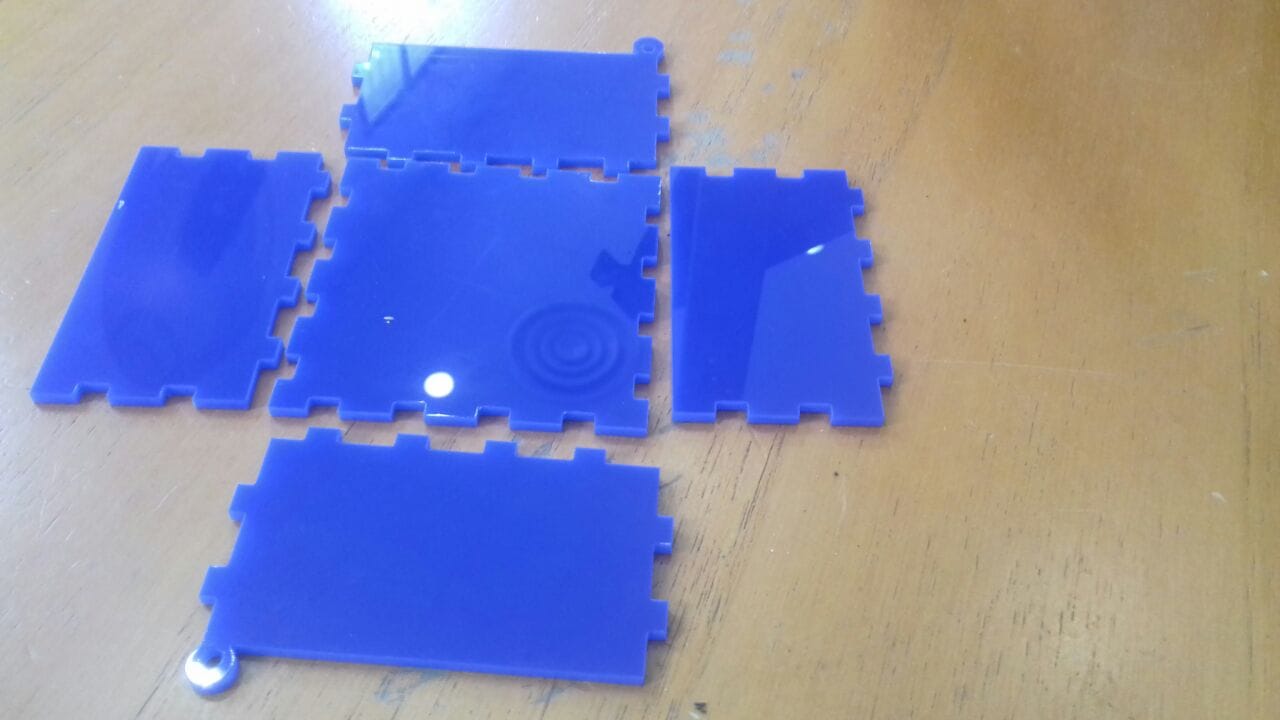
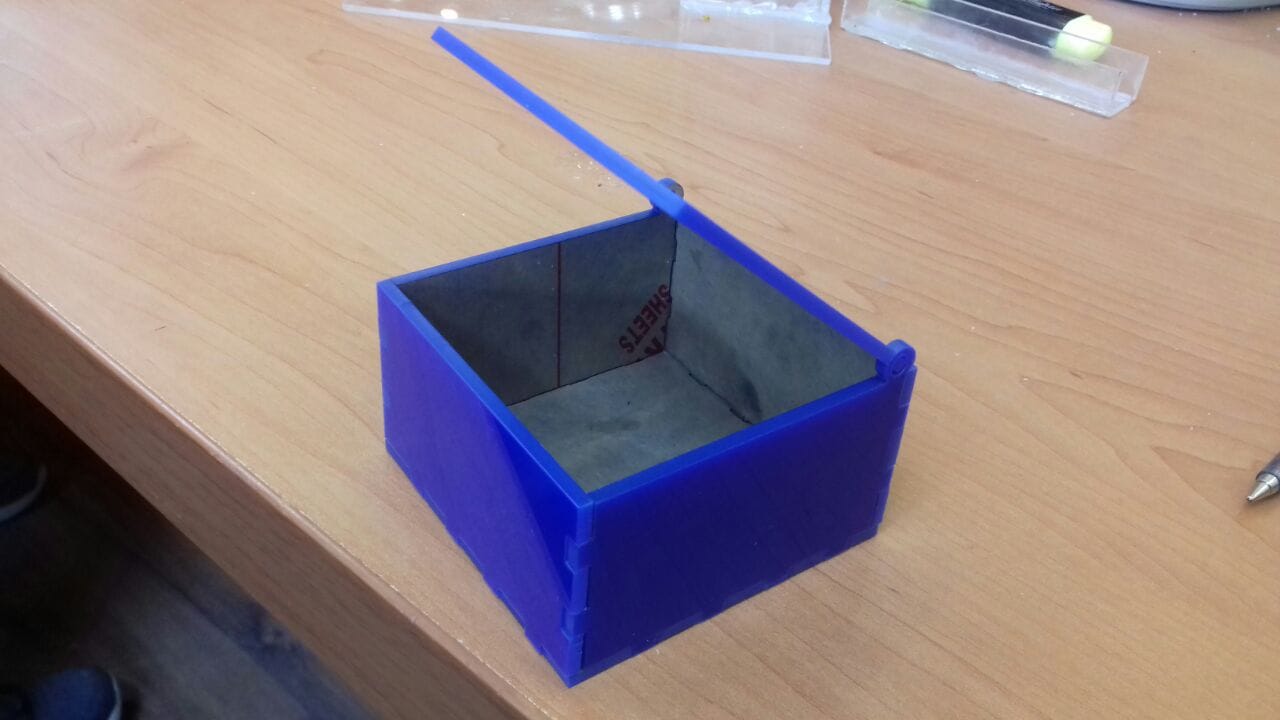
Result
Click here to OnShape design
download vinyl design from here
download .DXF design of LASER CUTTER DESIGN