Wireless and palmtop POCKET ABS
Connection
Connect battery to POCKET ABS and boot the device. Firstly, Bluetooth indicator blink in red. Then, start PDE with processing. If it works, the green indicator on bluetooth turn on. If you can not get above, try teraterm to check the correct COM port. If the COM port is incorrect, change the PORT and click the "LINK" to turn on the Green LED.
Calibration
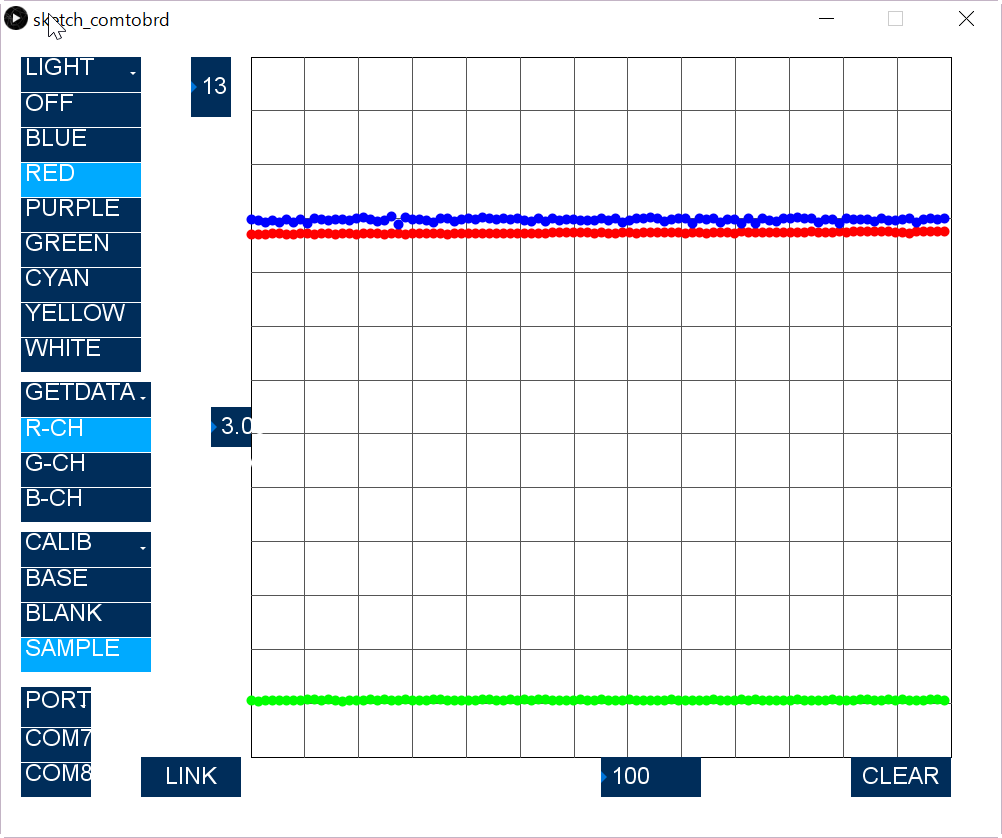
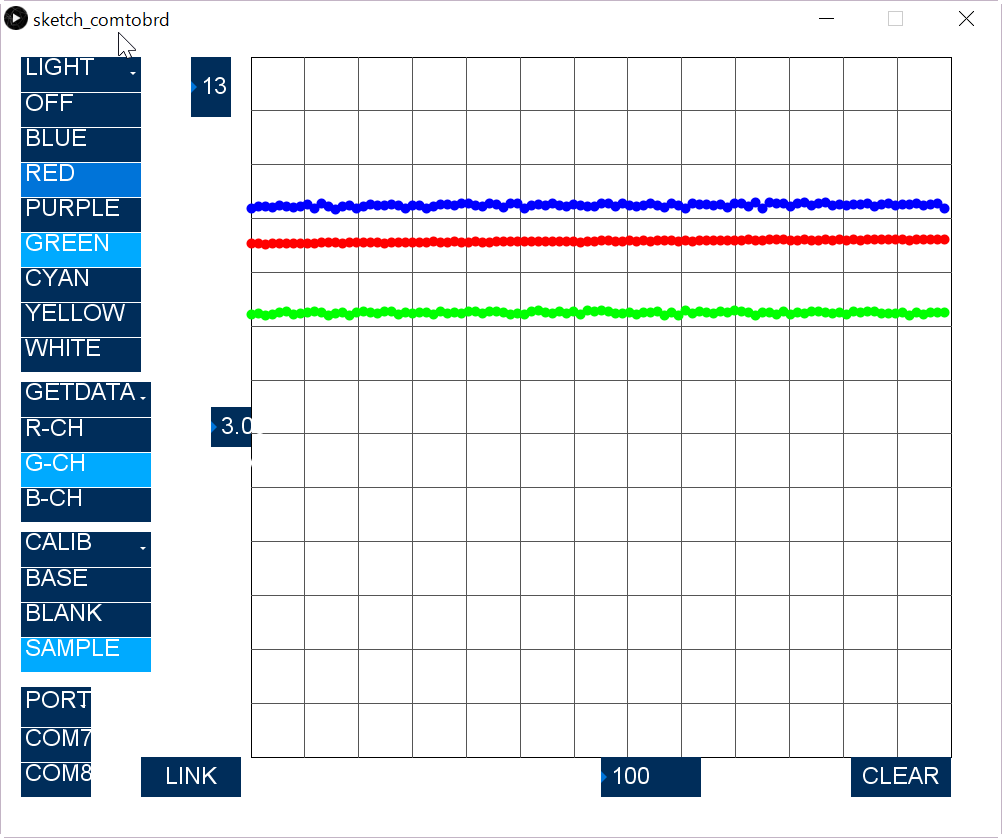
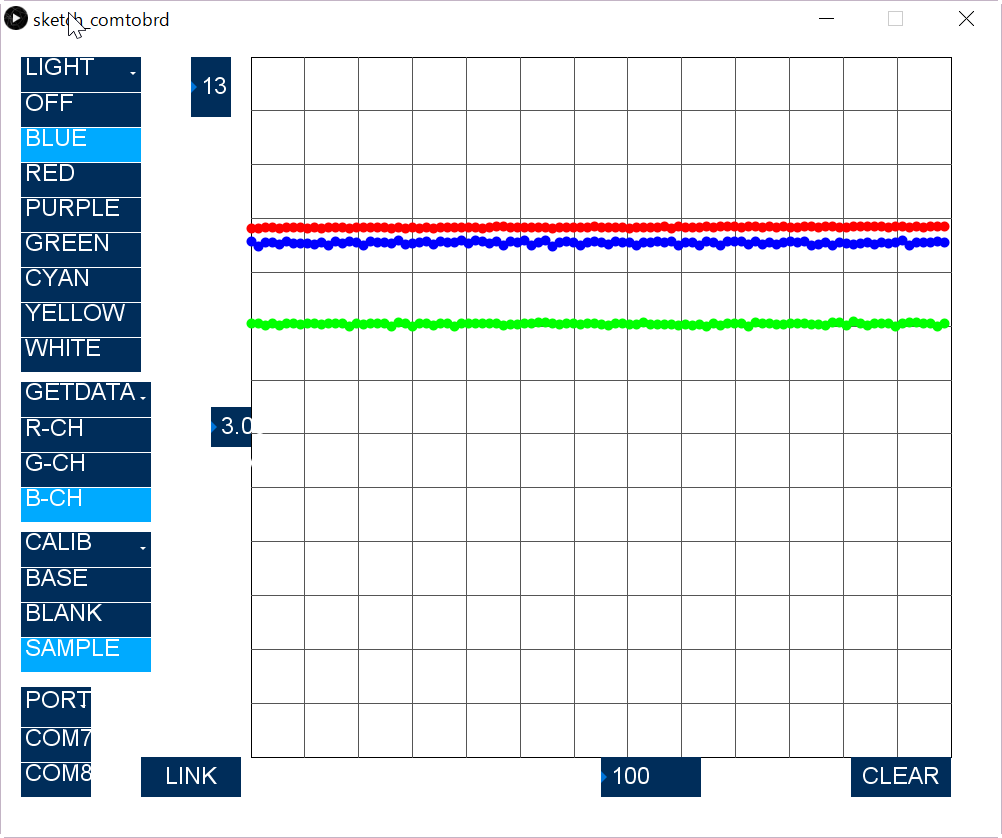
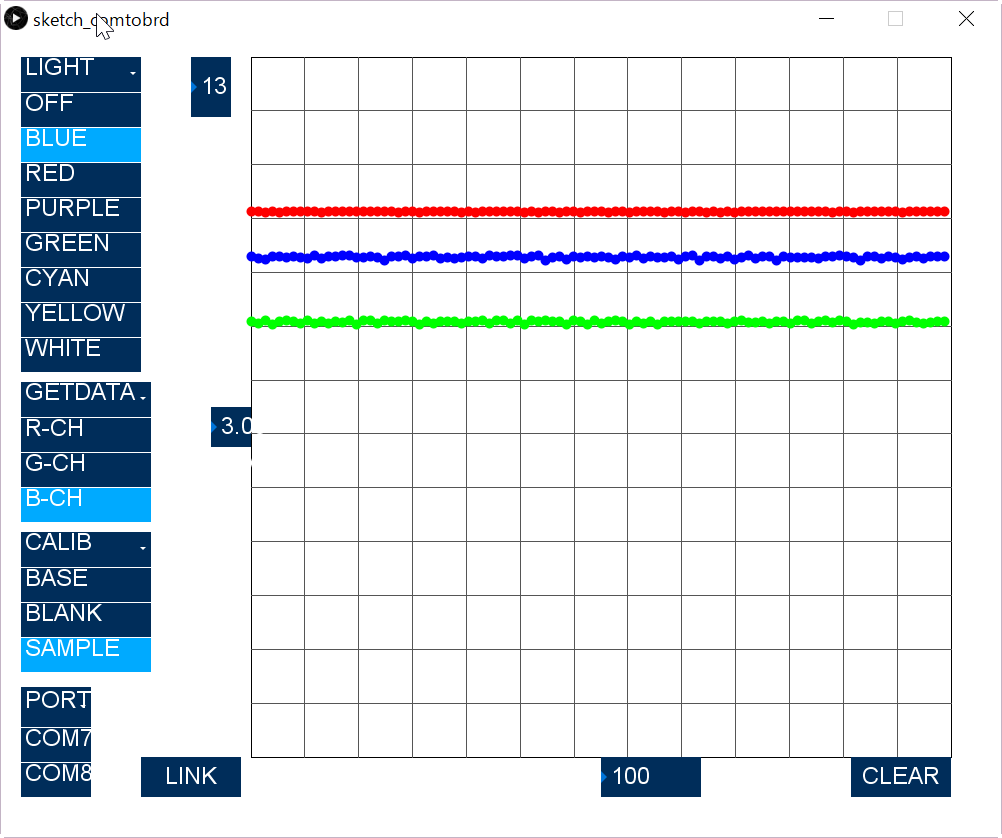
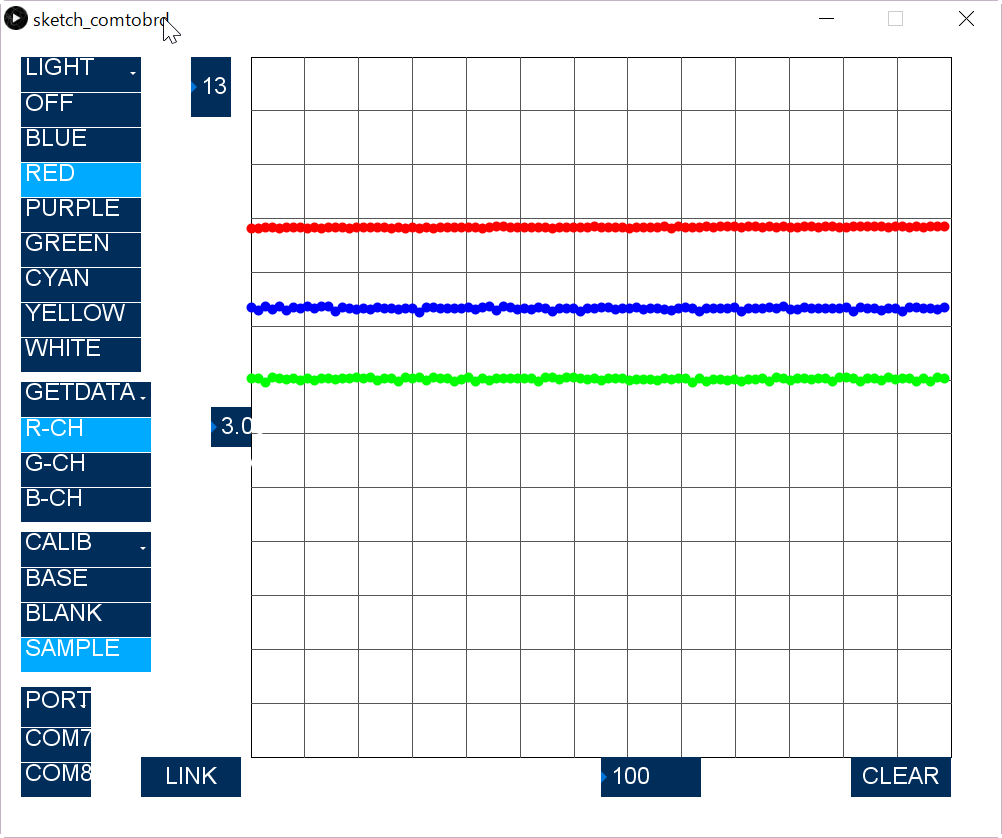
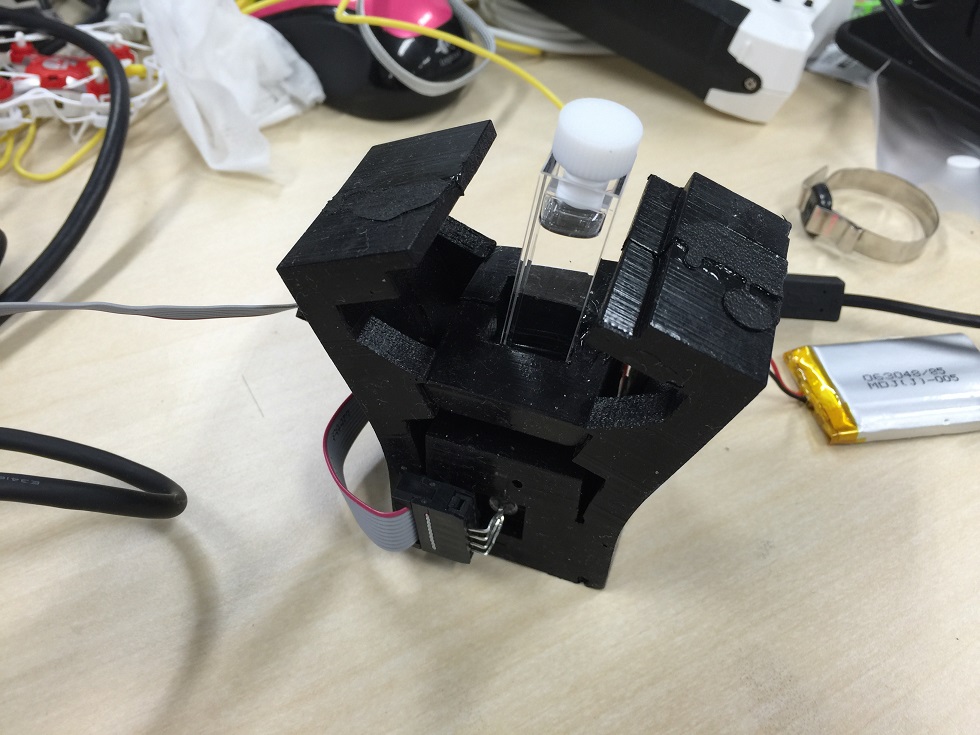
Fill a glass cell with the blank sample (pure water for instance), and insert in the chamber. After checking the top rubber shatter closed, turn off the LED. And click "BASE" on the calibration menu. Set the vertical sampling number "3" and horizontal number "100". Next, Click "B-CH" and check the sampled graph as shown in below figure.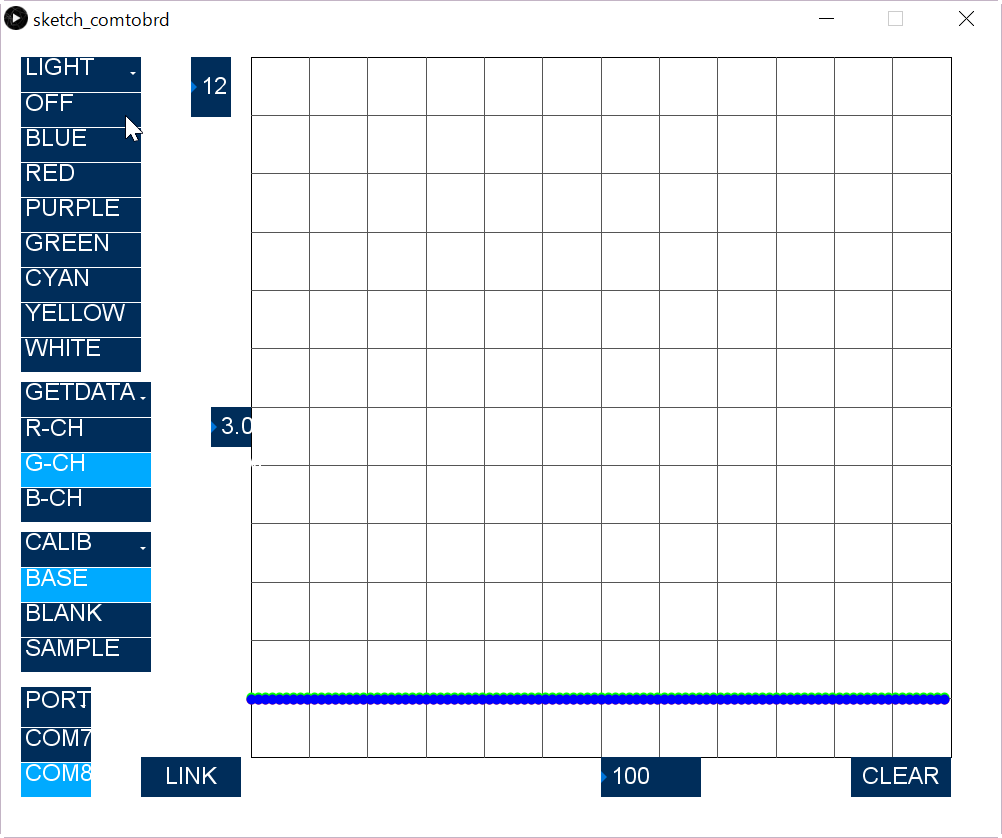
Measurement
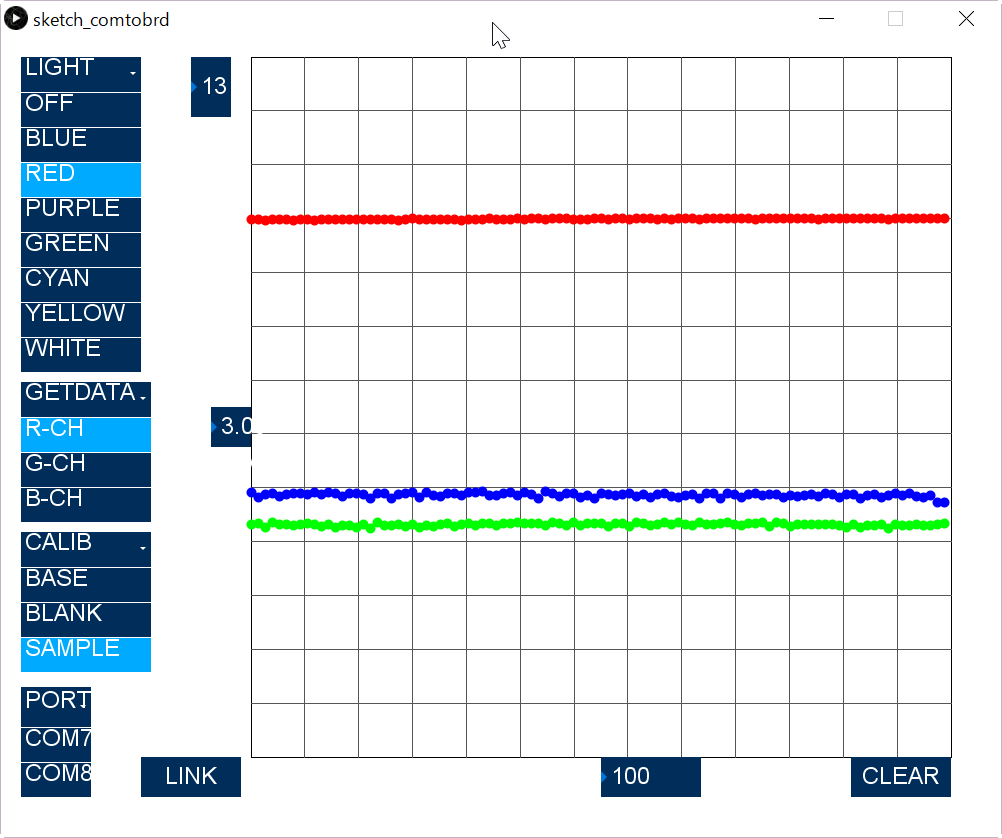
Firstly, the blank sample was measured again, I must shows 100% transmittance (11 divs above from the bottom), but some difference can be observed.